ℹ️ This feature is available starting from M2E Pro v.1.60.0. If you can’t find it in your extension, please upgrade to the latest version.
Using M2E Pro, you can promote your Adobe Commerce (Magento) products on eBay. The extension allows you to apply eBay promotions to attract more buyers, increase the average order size, and even lower shipping costs by bundling more items per order.
You can add the following types of eBay promotions to your M2E Pro Listings:
💡 Watch our video on how you can automate managing items with eBay promotions in M2E Pro.
How to apply eBay promotions in M2E Pro #
1) Create the promotion in your eBay Seller Hub.
2) Navigate to your M2E Pro Listing and switch to the Settings View Mode.
3) Select the products you want to promote and submit the Manage Promotion mass action.

4) You will see a list of your active and scheduled eBay promotions. Select Add items to Promotion to apply a specific promotion to the selected items. Then confirm your choice.
⚠️ Adding new items to an existing promotion will overwrite any items that were previously included. Due to eBay API restrictions, each promotion can include a maximum of 500 items.
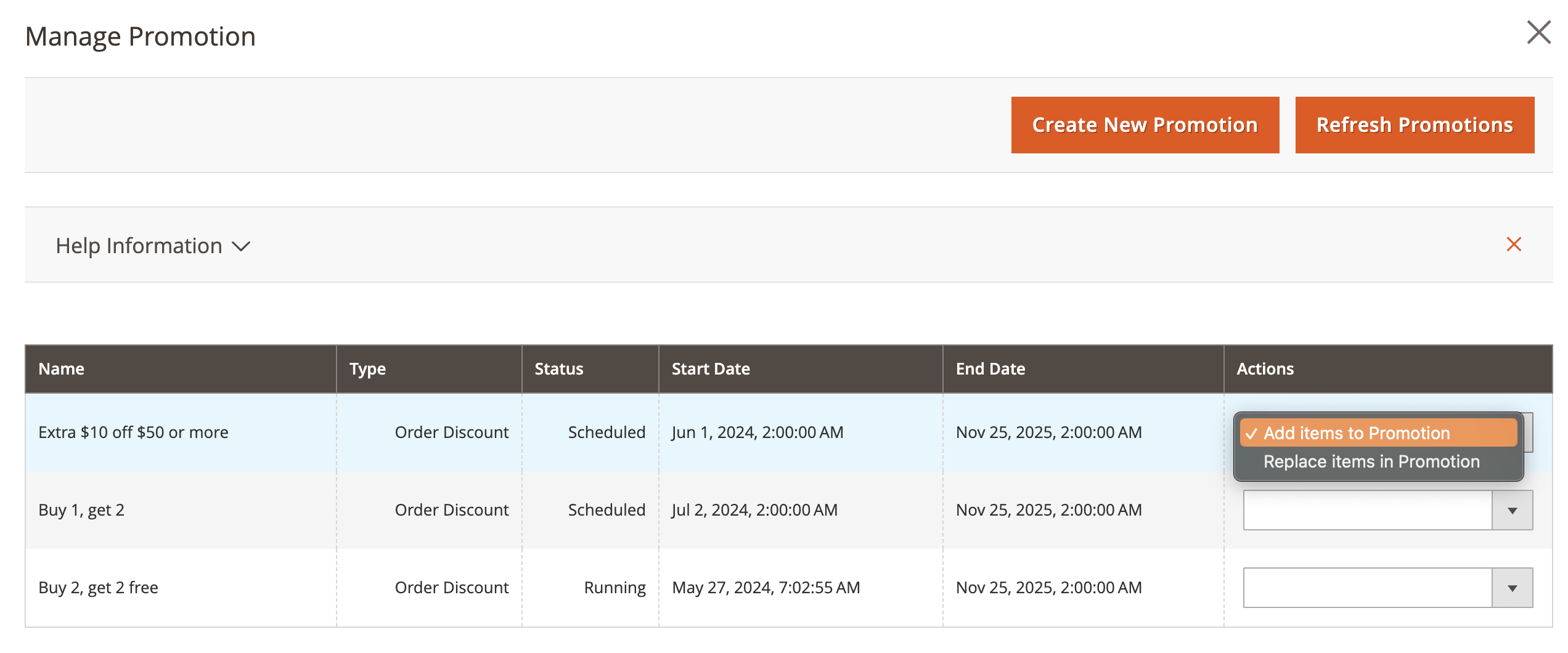
If you want to replace items that were previously in the promotion with the newly selected ones, select the Replace items in Promotion option.
Products added to eBay promotion are marked with a special icon in M2E Pro Listing grid.

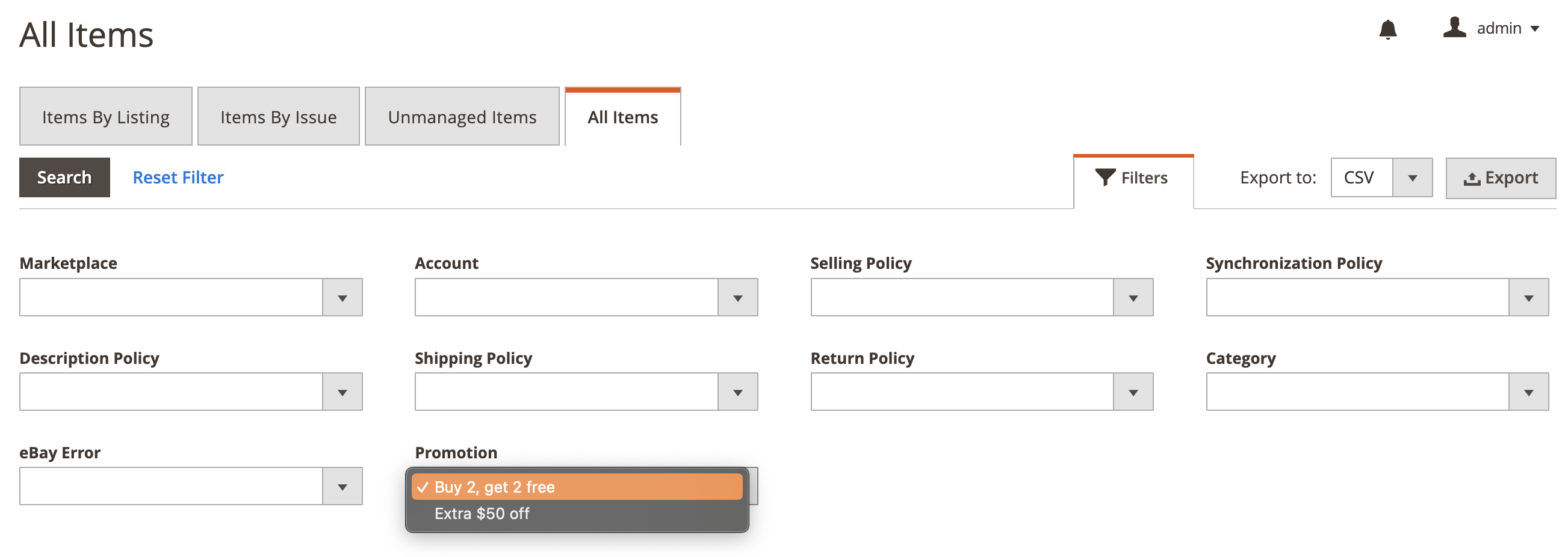
Use the On Promotion filter in the Price column to find the products added to eBay promotion. You can also search for items added to a specific promotion via the Promotion filter in the All Items tab.