If you manage your eBay listings through M2E Pro, you can export your product information into a downloadable CSV file. Whether you want to organize your inventory, share data with teammates, or use the format as a reference for Magento product export, this feature keeps your catalog accessible and flexible.
What you can export #
The CSV file includes essential eBay listing details that help you work outside of M2E, such as Magento Product ID, Product Title, SKU, eBay Item ID, QTY, Price, and Product Status.
The structure is simple and compatible with tools like Excel and Google Sheets. It's also similar to what's used to export Magento products.
Export options for eBay listings #
You can choose from three different ways to export eBay listing data, depending on what you need:
1. Export all managed eBay items #
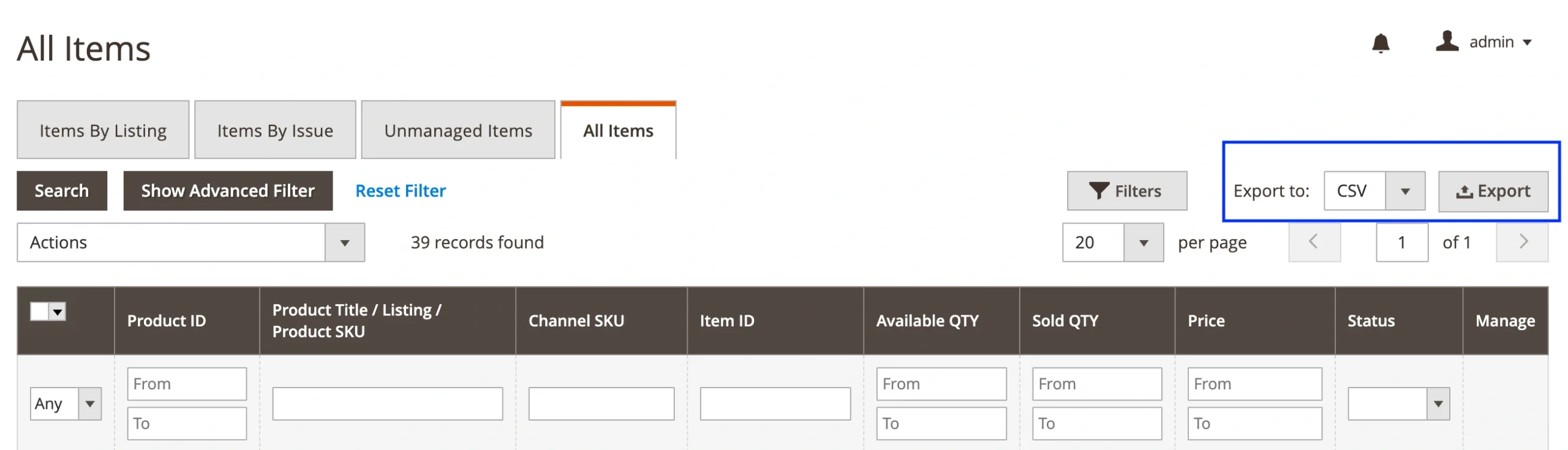
Head over to eBay > Listings > Items > All Items in M2E Pro. Click the Export button in the top-right corner of the grid to get a CSV file with all eBay products managed through M2E.
2. Export from a specific eBay Listing #
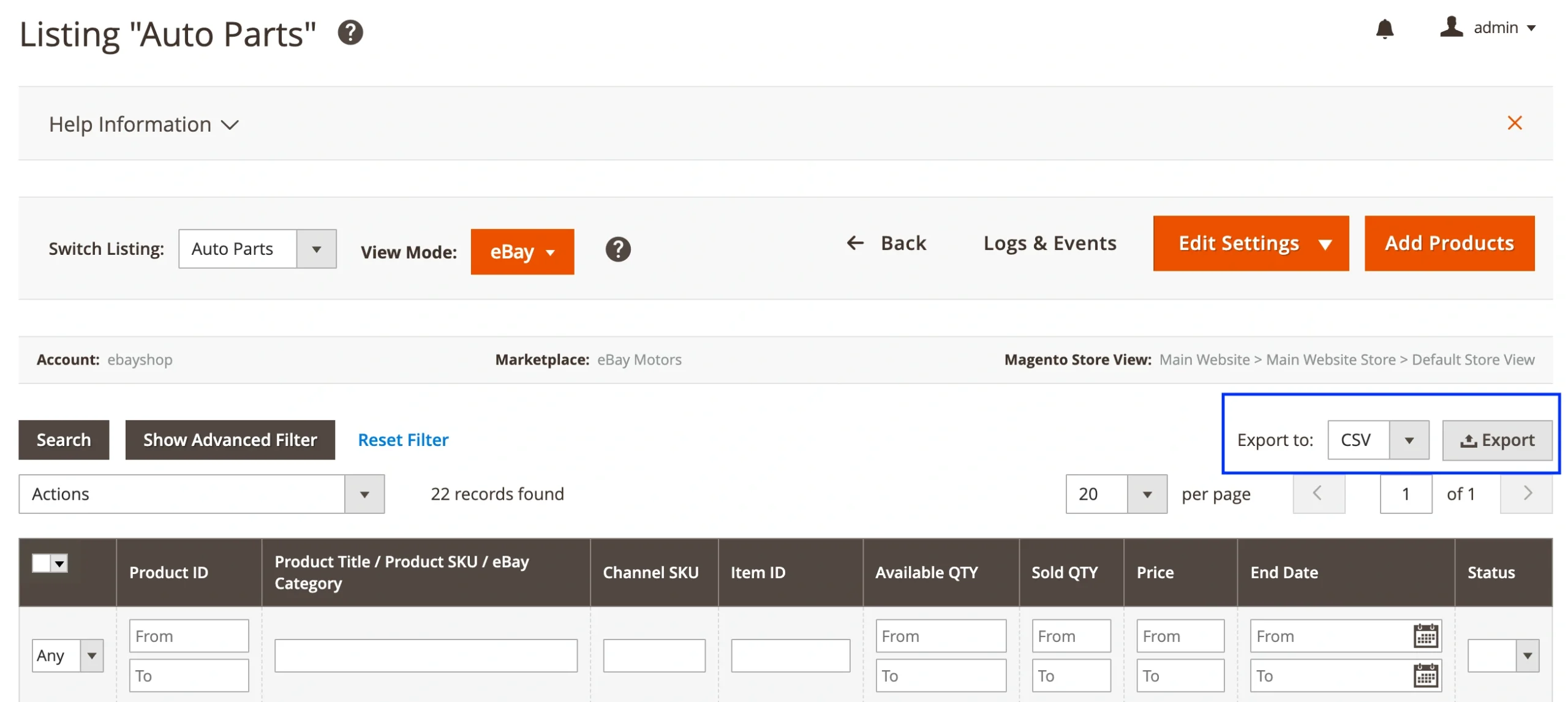
Need to export items from just one listing? Go to eBay > Listings > Items > Items by Listing, select the M2E Pro Listing you need, and use the Export option in the top-right corner of the grid.
3. Export unmanaged eBay listings #
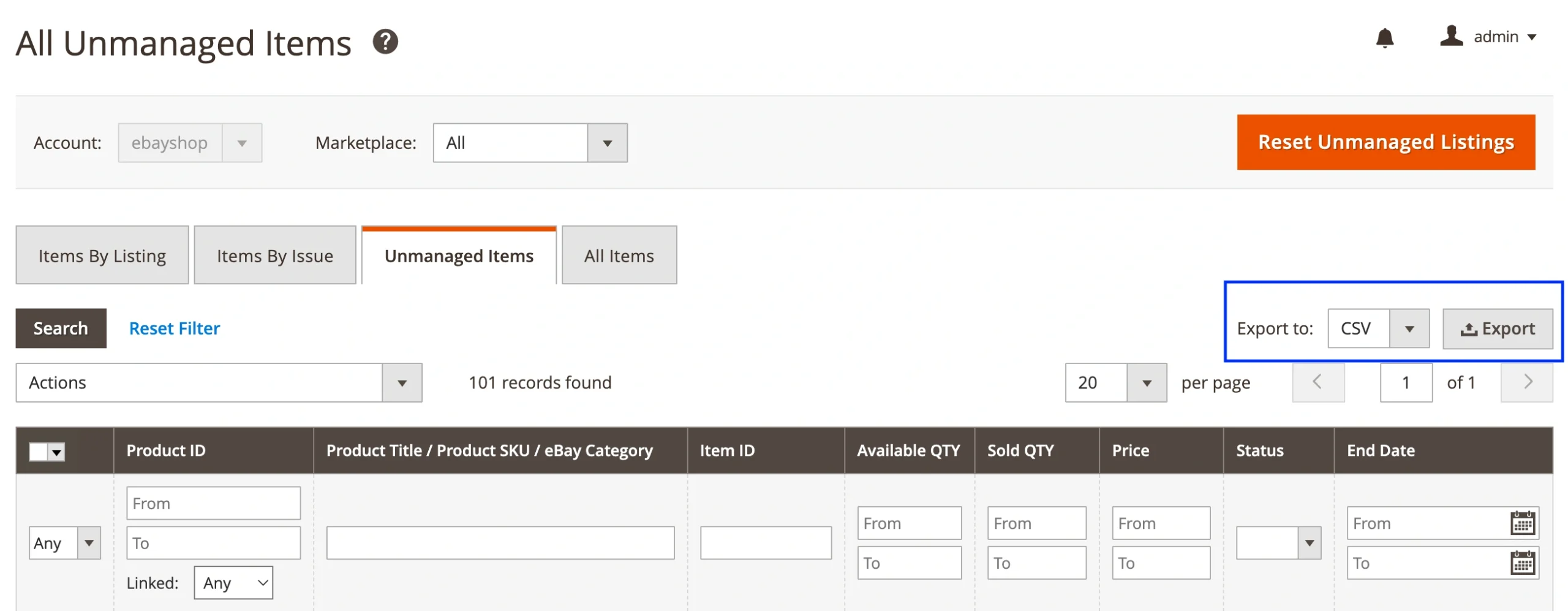
If you want to review listings that exist on eBay but haven’t been linked or managed in M2E Pro yet, go to eBay > Listings > Items > Unmanaged Items.
From there, click Export to download a file with all unmanaged items. This will help you identify what products need to be linked or moved to your M2E Pro Listing.