
This guide shows how to set up and manage Decathlon through M2E Mirakl Connect.
You will learn:
- What configuration is required in M2E Mirakl Connect
- How Decathlon marketplace rules affect your setup
Decathlon runs on the Mirakl infrastructure. As a result, it applies strict marketplace standards to:
- Product attributes
- Offer details
- Pricing validation
- Order lifecycle management
ℹ️ Most configuration principles in this guide also apply to other Mirakl marketplaces connected via M2E Mirakl Connect.
Outside M2E Mirakl Connect #
Decathlon is a multinational sports retailer with its own online marketplace platform. It enables approved sellers to offer sports and outdoor products to local customers.
The marketplace operates in Belgium, the Czech Republic, France, Germany, Hong Kong, Hungary, Ireland, Italy, Luxembourg, the Netherlands, Poland, Portugal, Romania, Spain, Switzerland, and the United Kingdom.
Each marketplace region may use a specific local currency, such as EUR, GBP, CHF, CZK, PLN, or RON.
If you intend to sell across multiple regions:
- Separate Decathlon marketplace accounts
- Separate connections inside M2E Mirakl Connect
Currency and account structure are managed by Decathlon, not by M2E Mirakl Connect.

Costs of selling on Decathlon #
Decathlon applies a clear and structured fee model. Commission rates vary by product category.
Typical cost structure:
- Setup fee: none
- Monthly subscription fee: EUR 40.00
- Commission: usually between 10% and 18%, depending on category
- Payment schedule: payouts are generally issued three times per month
Decathlon defines commission percentages and payment terms, which may differ by country or category.
Who should sell on Decathlon? #
Decathlon does not accept every seller. It prefers merchants with branded sports and fitness products and clean product IDs.
Decathlon is a strong match for:
- sports equipment stores
- fitness and wellness brands
- cycling, running, and gym gear suppliers
- outdoor and camping sellers
- urban mobility brands (e-scooters, bikes, accessories)
- catalogs with consistent GTIN/EAN coverage
Decathlon checks catalog quality. It expects accurate identifiers and stable product data. Verified brand ownership can also help.
Some categories have extra checks. In some cases, Decathlon asks for brand approval before you can list.
Request seller account #
Decathlon is a closed marketplace. You must be approved before you can sell.
Submit your application on the official Decathlon Seller Page.
Decathlon usually asks for:
- a signed commercial agreement
- an onboarding questionnaire
- the brands you plan to sell
- brand logos and product details
- company and operational information
Decathlon reviews applications manually. Approval time varies by country and category.

Once approved, Decathlon grants access to the Mirakl seller portal. You also receive API keys for integration with M2E Mirakl Connect.
Important:
- Category rules may add extra checks
- Brand authorization may be mandatory
- Decathlon controls selling permissions
Start the M2E Mirakl Connect setup only after Decathlon activates your seller account.
Inside M2E Mirakl Connect #
To control your Decathlon marketplace operations from Magento, you must connect your Mirakl seller account using an API key. This connection enables secure data exchange between your store and the marketplace.
After connecting, M2E synchronizes:
- Product information and marketplace offers
- Prices and available quantities
- Orders and order statuses
- Shipping details and tracking numbers
This ensures both platforms stay aligned in real time.
How to connect Decathlon #
You can link Decathlon to Adobe Commerce (Magento) through M2E Mirakl Connect. The process follows the standard Mirakl marketplace setup.
Steps to complete the connection:
- Install the M2E Mirakl Connect extension and grant access permissions.
- Sign in to your M2E account or create a new one.
- Add your Decathlon account using your Mirakl API URL and API key.
- Associate Magento products with Decathlon listings.
- Activate stock synchronization to prevent overselling.
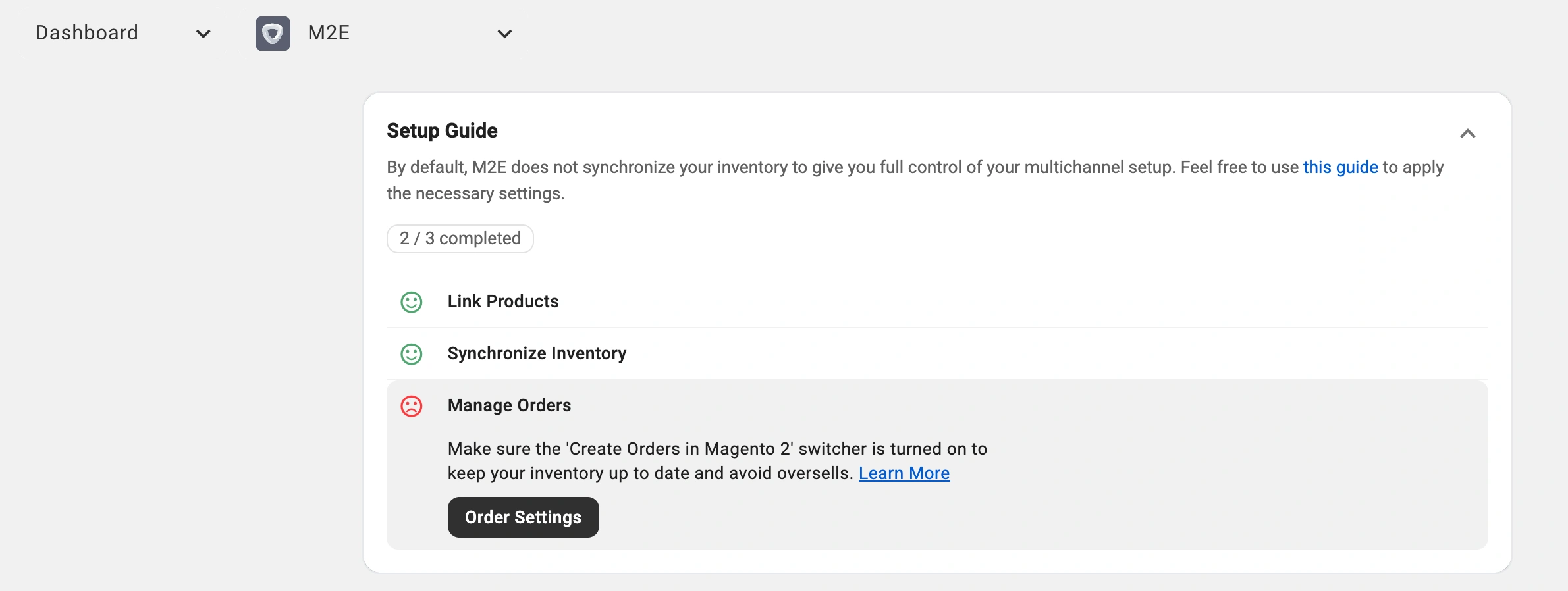
- Configure order import so Decathlon sales appear in Magento and are automatically reflected in inventory.
After setup, product updates, stock changes, and orders sync automatically.
✅ Check out the M2E Mirakl Connect Guide to see the complete instructions.
Day-to-day management #
Once integration is active, most tasks run automatically.
You continue managing products and stock inside Magento. M2E sends updates to Decathlon automatically. Orders download into Magento and follow your existing fulfillment process.
This approach keeps all operations centralized.
Product sync setup #
There are two ways to control listings through M2E.
Publish new products (coming soon)
You can create new Decathlon listings directly from your Magento catalog.
After publication, M2E keeps pricing and quantity updated based on store data.
Connect existing listings
If your products are already available on Decathlon, link them to Magento items.
Linking is required for synchronization. It defines which Magento product manages each Decathlon offer.
Once connected, M2E automatically updates stock and price.
Product management & sync policies #
Policies determine how products behave on Decathlon. A policy acts as a template that applies rules to multiple items at once.
Policies define:
- Inventory update logic
- Pricing rules
- Order handling settings
- Order status synchronization
Instead of configuring products individually, assign a policy to a group. Any update to that policy applies to all linked items.
You can create separate policies for brands, product types, or pricing strategies. Policies can be edited, duplicated, or removed from the Configuration section or within listings.
Category management #
Correct category mapping ensures products appear in the right sections on Decathlon.
M2E Mirakl Connect allows you to assign marketplace categories to Magento products and revise them if marketplace requirements change.
Accurate categories improve product visibility and reduce listing issues.
Order management #
M2E manages the entire Decathlon order lifecycle.
When a customer places an order, it imports directly into Magento. You can enable automatic order creation or create orders manually if needed.
In automatic mode, stock levels adjust immediately after order creation, keeping inventory accurate across both systems.
With this setup, Decathlon operates as a fully integrated sales channel within Magento.
On the Decathlon marketplace side #
Decathlon runs on the Mirakl platform. This means the marketplace follows strict rules for product data, offers, pricing, and order handling.
Understanding how Decathlon behaves outside M2E Mirakl Connect is critical. Even if your data is correct in Magento, the marketplace still validates everything before approval.
Key product attributes #
Decathlon validates product data using Mirakl rules. Your product will be rejected if any required field is missing or fails validation.
Required fields
- EAN/GTIN (8, 13, or 14 digits)
- Brand
- Product name
- Main image
- Merchant SKU
- Category-required attributes (vary by category)
Complete and accurate data improves approval rates.
Image rules
Decathlon applies strict image checks.
Your main image should be:
- square
- high quality
- on a neutral or transparent background
- free of text, logos, and watermarks
Supported formats: JPEG, PNG, GIF, SVG, WEBP
Recommended max size: up to 3000 × 3000 px
Extra images and videos are optional.
Title rules
Titles must match Decathlon content standards.
Follow these limits
- up to 80 characters
- written in the language of the sales channel
- no repeated details
- no marketing phrases
- avoid special characters
Keep titles factual and aligned with the product category.
Pricing and discounts #
Prices must pass Mirakl validation and Decathlon checks.
Currency
- EUR is used by default
- Some regions use local currencies
- When supported, country-level price fields override the default price
If you sell in multiple regions, confirm the correct currency for each one.
Discounts
A discount displays only when:
- discounted price is lower than the base price
- start and end dates are valid
- “permanent” discounts use a far-future end date
- bulk discounts use a quantity greater than 1
If the configuration is invalid, the marketplace will not show the promotion.
Inventory and shipping attributes #
Offer attributes affect delivery estimates, taxes, and logistics.
Common examples:
- lead time to shipment (handling time)
- offer state (condition)
- logistic class (size/shipping group)
- product tax code
- minimum quantity alert (low-stock threshold)
These values help Decathlon calculate shipping and tax correctly.
EPR data #
Some regions require environmental compliance fields (EPR).
Depending on the country and product type, you may need:
- EPR category code
- producer ID
- eco-contribution amount
Rules vary by region. Missing EPR values can block publication.
FAQ #
Why isn’t my product visible? #
Typical causes:
- missing EAN/GTIN
- required attributes not mapped
- price conflicts or invalid values
- wrong or unsupported category
- image rejected by validation
- title does not meet format rules
✅ If you need help, contact our support team.


