
This guide explains how to connect and manage the AUTODOC marketplace using M2E Mirakl Connect.
AUTODOC is a Mirakl-based marketplace, which means it follows Mirakl standards for product data, offers, pricing, and order workflows. M2E Mirakl Connect allows you to manage this marketplace directly from your Adobe Commerce (Magento) store.
After the connection is in place, you can manage AUTODOC without switching systems. M2E handles the data exchange between your store and the marketplace through the Mirakl API.
With M2E Mirakl Connect, you can:
- synchronize product content and offers,
- keep prices and stock levels up to date,
- import and process marketplace orders,
- send shipment and tracking information,
- and monitor listing status and validation results.
Once connected, your catalog and orders stay aligned between Magento and AUTODOC with minimal manual work.
ℹ️ Most steps described in this guide also apply to other Mirakl marketplaces supported by M2E.
Outside M2E Mirakl Connect #
AUTODOC is a Europe-based marketplace that specializes in automotive products. It focuses on car parts, accessories, tools, and related equipment for vehicle maintenance and repair.
The marketplace serves customers across multiple European countries and the United Kingdom. It supports cross-border selling within the EU, provided VAT and logistics requirements are met.
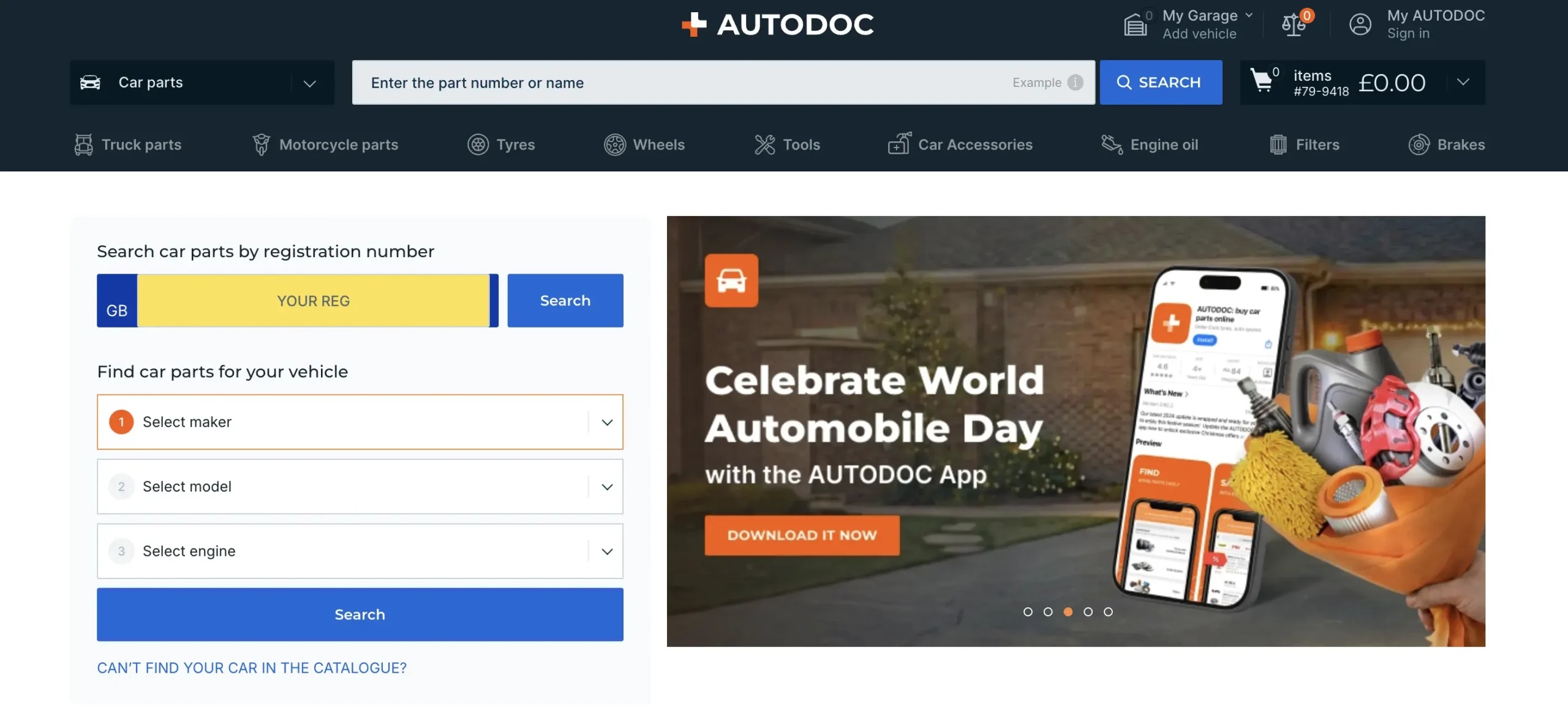
AUTODOC operates on the Mirakl platform. As a result, it uses standardized Mirakl rules for product content, offers, pricing, logistics, and order processing. Sellers must follow these rules to ensure products are accepted and published on the marketplace.
Costs of selling on AUTODOC #
Selling on AUTODOC includes the following standard costs:
- Monthly fee: EUR 30, excluding VAT
- Commission: varies by product category
- Setup fee: none
Payout schedule: three times per month, usually on the 1st, 11th, and 21st
ℹ️ Exact fees depend on your category selection and the commercial agreement with AUTODOC. Always review the final terms provided during onboarding.
Technical and business requirements #
Before starting the integration, make sure your business meets AUTODOC’s base requirements.
You must:
- be a registered business in an EU country,
- comply with EU VAT rules or participate in the VAT OSS scheme,
- operate a warehouse located within the EU,
- have valid VAT IDs for your business country and delivery countries,
- provide product data that meets AUTODOC and Mirakl validation rules.
Products that don’t meet marketplace requirements may fail validation and won’t be published.
Request seller account and access #
Before connecting AUTODOC to M2E Mirakl Connect, you must have an active seller account on the marketplace.
Start by applying to AUTODOC through their marketplace application form. After submission, the AUTODOC team reviews your request and performs the required checks. This approval process may take time.

Once approved, you receive access to the Mirakl Seller Admin. This portal is used to manage your marketplace account on the AUTODOC side.
You can’t connect AUTODOC to M2E until your seller account is fully approved and active.
Inside M2E Mirakl Connect #
When you connect AUTODOC to M2E Mirakl Connect, the integration uses the Mirakl API to exchange data between your Magento store and the marketplace.
The connection allows M2E to synchronize:
- product content
- product offers
- prices and available quantities
- orders and order statuses
- shipment and tracking information
This data exchange runs automatically once the connection is active. M2E ensures that updates made in Magento are reflected on AUTODOC and that marketplace activity is visible in your store.
How to connect AUTODOC #
You can connect AUTODOC to your Adobe Commerce (Magento) store using M2E Mirakl Connect. The setup follows the standard workflow used for Mirakl marketplaces.
Steps:
- Install the M2E Mirakl Connect extension and grant the required permissions.
- Sign in to your M2E account or create a new one.
- Add AUTODOC as a marketplace account using your Mirakl API URL and API key.
- Connect your Magento products to AUTODOC listings.
- Enable inventory synchronization to keep stock levels aligned.
- Configure the order import to create AUTODOC orders in Magento.
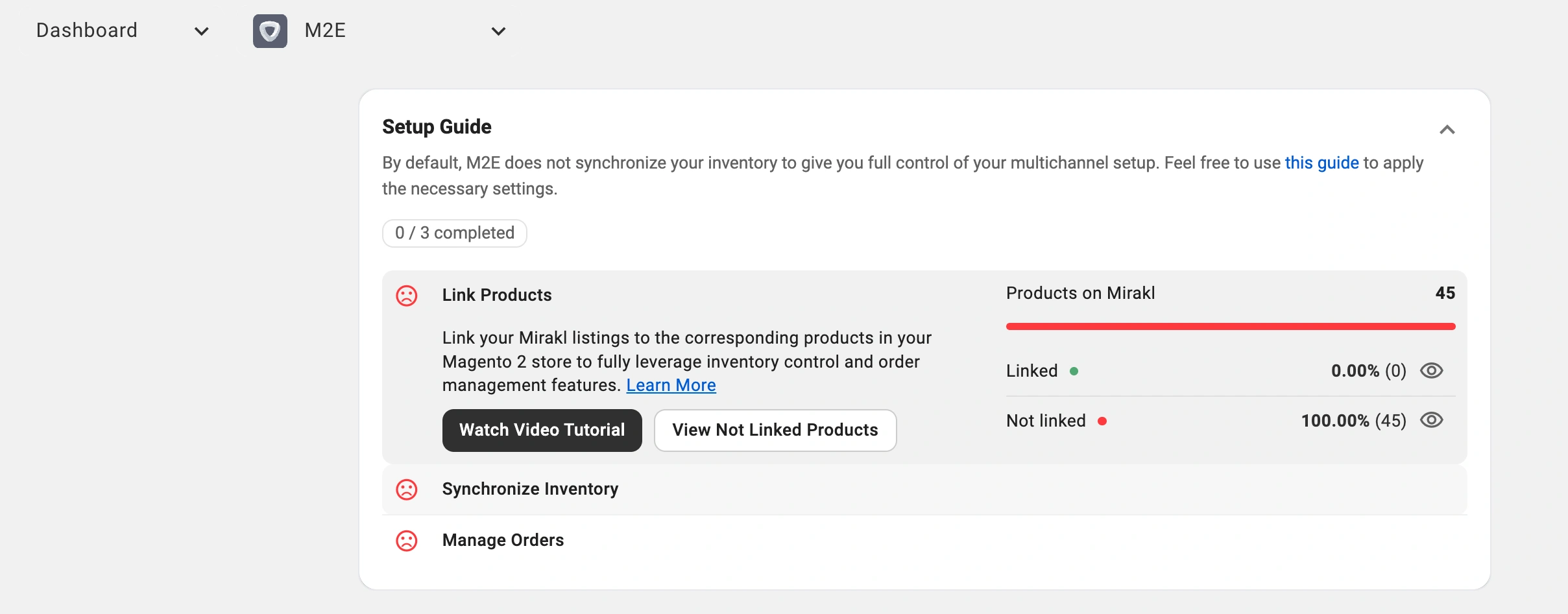
Once setup is complete, product data, stock, and orders start syncing automatically between Magento and AUTODOC.
✅ For detailed instructions, see the M2E Mirakl Connect User Guide.
Day-to-day management #
After the integration is live, daily operations become mostly automated.
You continue managing products, prices, and inventory in Magento. M2E sends all relevant updates to AUTODOC without manual exports. This keeps your listings accurate and up to date.
Orders from AUTODOC are imported into Magento and processed using the same flow as your regular store orders. Your team can handle fulfillment, invoicing, and shipping from a single system without logging into the marketplace for routine tasks.
Product sync setup #
There are two main ways to manage products on AUTODOC using M2E Mirakl Connect.
Publish new products (coming soon)
If your account and category are supported, you can use Magento product data to create new listings on AUTODOC. M2E sends the required content and offer information to the marketplace and tracks validation results.
Link existing AUTODOC listings
If your products already exist in AUTODOC, you can link those listings to their corresponding Magento products.
Linking is necessary for synchronization. It defines which Magento item controls each AUTODOC listing. Once connected, M2E manages the listing’s price, stock level, and status based on your store data.
Product management & sync policies #
M2E Mirakl Connect uses policies to control how products behave on AUTODOC. A policy is a reusable set of rules that defines how data is synchronized.
Policies control key areas such as:
- pricing behavior
- inventory updates
- order handling settings
Policies make it easier to manage large catalogs. Instead of configuring products one by one, you assign a policy to a group of items.
How policies work in daily use:
- A single policy can cover multiple products.
- When you edit that policy, every linked product updates right away.
- You can set up several policies to match different brands, categories, or pricing approaches.
- Create and manage policies during product configuration or while working inside product listings.
Category management #
Correct category assignment is essential on AUTODOC. Categories determine which attributes are required and whether a product passes validation.
Order management #
M2E Mirakl Connect manages the full order lifecycle for AUTODOC.
Orders are imported automatically from the marketplace. If enabled, M2E creates Magento orders as soon as new AUTODOC orders arrive. Manual order creation is also available if needed.
After fulfillment, shipment, and tracking details are sent back to AUTODOC. This keeps buyers informed and ensures order statuses remain synchronized between Magento and the marketplace.
On the AUTODOC marketplace side #
AUTODOC is a Mirakl-powered marketplace. Product data and offers must follow Mirakl-defined attributes and validation rules. These rules ensure consistent listings, pricing, and logistics across the platform.
Key product attributes #
Required attributes
Every product must include a core set of attributes. These usually cover:
- article number defined by the brand
- brand name
- main product image
- export strategy that defines whether product content is sent to the marketplace
Images must meet AUTODOC standards. They must be clear, use a white background, show the product without text or watermarks, and follow file size and format limits.
Category-specific attributes
Each category requires additional details. These attributes describe product dimensions, specifications, or technical details and depend on the selected AUTODOC category. Missing category attributes often cause validation errors.
Automotive compatibility attributes
For automotive parts and accessories, compatibility data is critical. AUTODOC supports:
- K-type identifiers linked to TecDoc vehicle models
- compatible vehicle names
- original equipment numbers (OENs) for replacement parts
Providing accurate compatibility data improves visibility and reduces returns.
Offer attributes
Offer attributes control how a product is sold on AUTODOC.
Required:
- price, entered as a numeric value without currency symbols
Optional:
- discount and promotion fields
- ECO and EPR contribution fields
- lead time to shipment
- offer state that defines product condition
- product tax code
- logistic class used for shipping rules
These attributes define pricing behavior, compliance, and delivery expectations in the marketplace.
Pricing and discounts #
AUTODOC requires all prices to be submitted in EUR. If your Magento store uses a different currency, you must configure currency conversion before exporting offers.
Discount handling
AUTODOC supports standard Mirakl discount logic.
- Pricing v1. You set a base price and a separate discount price. Discount start and end dates define when the promotion is active. The discounted price must be lower than the base price.
- Pricing v2. You define a regular price using the strike price and a lower selling price using the price field. Discount dates control when the lower price is shown.
For both pricing models:
- Discount dates must be valid
- Strike and selling prices cannot be equal
- Bulk discounts require a quantity threshold higher than one
If discounts are set incorrectly, the offer may fail validation.
Inventory and shipping #
Stock levels are synchronized automatically from Magento to AUTODOC for all linked products. This helps prevent overselling and keeps availability accurate.
Carrier mapping is optional. When enabled, it allows M2E to send tracking numbers using AUTODOC’s supported carrier list. This lets buyers track shipments directly on the marketplace.
If your carrier isn’t available, contact the AUTODOC marketplace team to request an update.
FAQ #
Why are my products not visible on AUTODOC? #
Most issues are related to missing required attributes, category errors, or invalid pricing. Check M2E logs first, then review Mirakl import reports for detailed feedback.
How do discounts work on AUTODOC? #
Discounts are sent using Mirakl pricing fields. The discounted price must be lower than the regular price and must have valid dates.
Can I sell in multiple countries through AUTODOC? #
Yes, but currency matters. You can use one connection for countries that share the same currency. Separate connections are required for different currencies, such as EUR and GBP.
✅ If you have questions during setup or daily operations, contact the M2E support team. We can help with configuration, validation issues, and troubleshooting to ensure a smooth AUTODOC integration.


