
Set and send the Sale Price for your products on OTTO using M2E OTTO Connect.
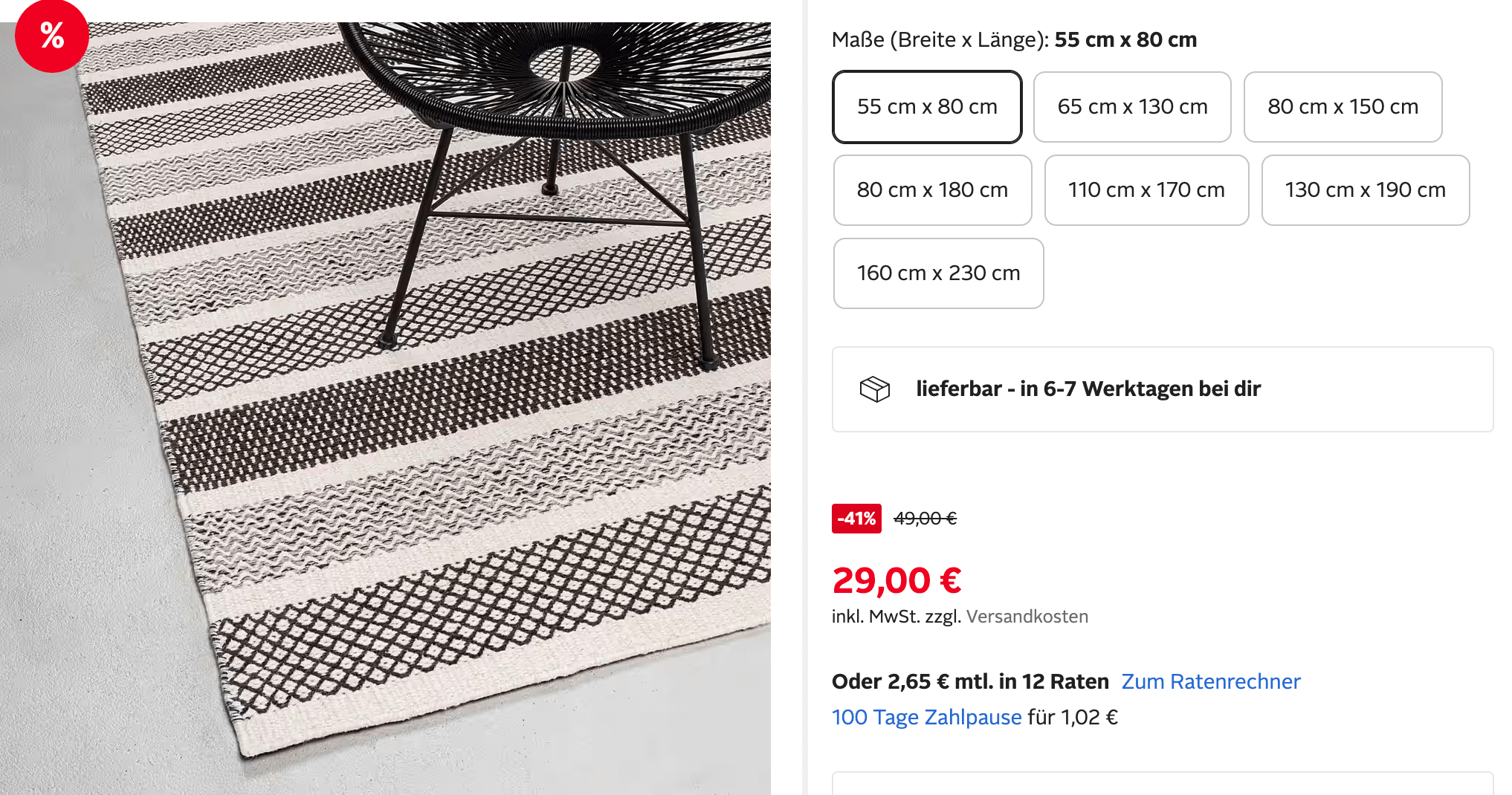
Now you can display discounted prices on OTTO with the original price shown as strikethrough, just like native OTTO promotions.
Step 1: Configure Sale Price in Selling Policy #
- Go to OTTO → Configuration → Policies.
- Create a new Selling Policy or edit an existing one.
- In the Price section, configure:
- Sale Price – Select Magento attribute that contains the sale price value.
- Start Date – Choose when the sale price becomes active on Otto.
- End Date – Select when the sale price ends.
💡 If you leave Start/End Date empty, the sale price will be active immediately and stay active until you change it.
- Save the policy.

Step 2: Apply the Selling Policy to Products #
Assign the Selling Policy with Sale Price settings to the products you want to sell at a discounted price.
When you list these products, M2E OTTO Connect will automatically send the Sale Price data to OTTO.
💡 If you plan to update Sale Price values or Start/End Dates later, make sure your Synchronization Policy has the Revise → Price option enabled.
To do this, go to OTTO → Configuration → Policies → your Synchronization Policy → Revise Rules and turn on the Price option.
You can find more information about Revise Rules by following this link.
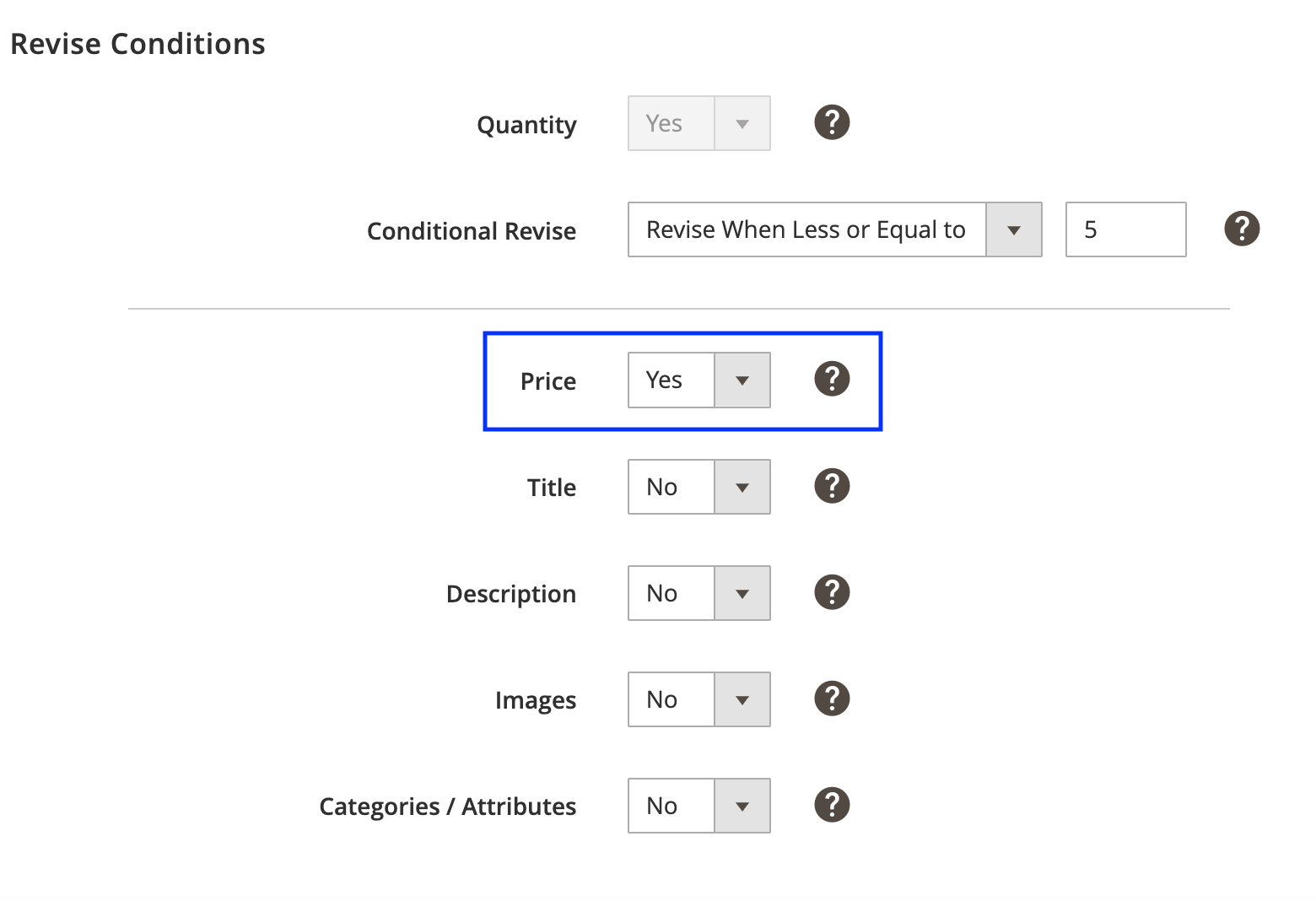
This ensures that any future changes to the Sale Price will be sent to OTTO automatically during the next sync.
Learn more about OTTO Selling Policy in this guide.
Step 3: Keep Sale Price Up to Date #
Whenever you update the Sale Price or its Start/End Dates in Magento, M2E OTTO Connect will automatically:
- Send the new value during the next scheduled sync.
- Update the information on OTTO so your listings always reflect the correct promotion details.
💡 Important
- The Sale Price must be lower than your regular price to display correctly as a discount on OTTO.
- If you remove the Sale Price value from Magento, the discount will automatically stop showing on OTTO.
- If only the Start or End Date is set (but the Sale Price is empty), no discount will be sent to OTTO.
Example
If your regular product price is €20, and you set:
- Sale Price: €15
- Start Date: August 5
- End Date: August 8
Your product will appear on OTTO at €15 during the selected dates, with the regular €20 price displayed as strikethrough.
ℹ️ Connect your OTTO Market account to your Magento (Adobe Commerce) store and start selling on otto.de today.


