
It is important to specify an accurate and clear title as buyers search for listings by their titles.
Custom Title different from Product Title #
You can use Description Policy configurations to set the Custom Title using a Magento Product Name for it or create a Custom Title.
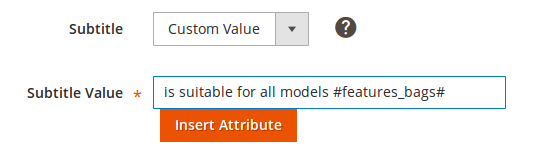
To create Custom Title choose Custom Value in the Title field.

Insert appropriate value in the Title Value field. You can type the Title manually, use Magento Attribute, or both.

Follow the same steps to set up Custom Subtitle.
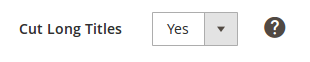
Enable the automatic shortening of the Title and Subtitle (80 and 55 characters respectively) according to eBay limitation.
Custom Product Title from separate Magento Store View #
You can also customize your product titles using different Magento Store Views.
For that:
1) Create an M2E Pro Listing with a Store View different from Default one.
2) Go to Magento Products page and select a product.
3) Choose the needed Store View and make sure to untick Use Default Value Product option under Product Name attribute.
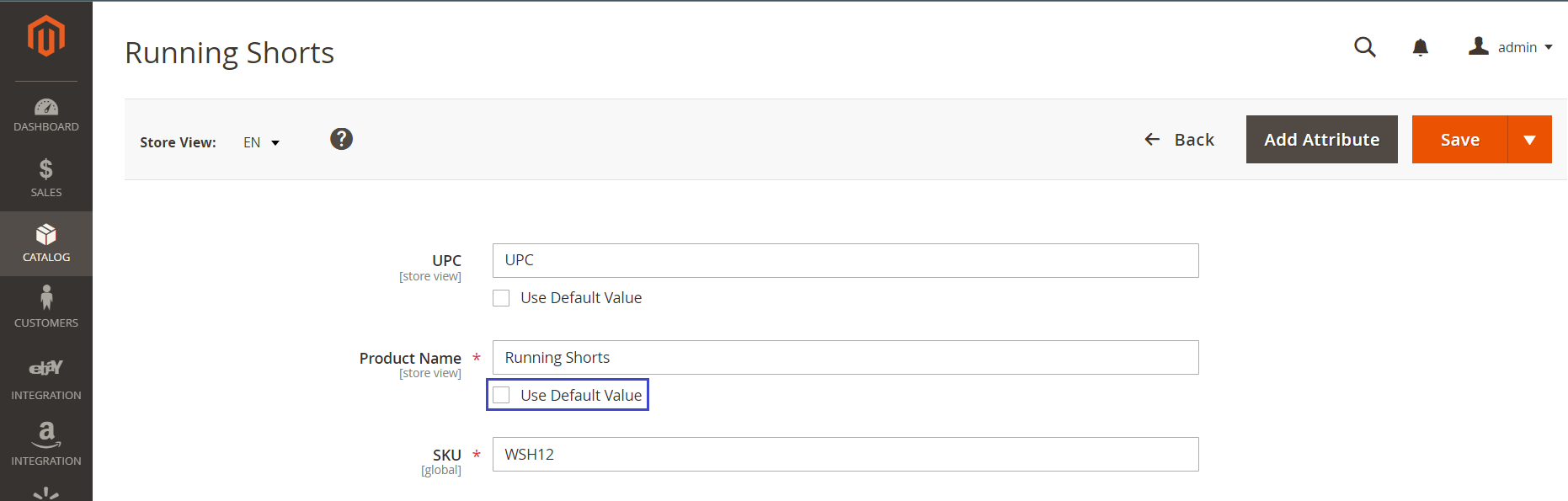
4) After that, you can edit Product Name attribute.
ℹ️ eBay only displays 30 characters of the 55 characters allowed in the drop-down field for Multiple-Variation listings. If you want to sell a Multiple-Variation Item on eBay and Titles of Variations are longer than 30 characters, you can also use this method with different Store Views.


