
This guide shows how to connect Hygi.de to M2E Mirakl Connect and manage all marketplace operations from one dashboard.
Hygi.de is a German marketplace for hygiene, cleaning, care, health, and household products. Since it is based on Mirakl, your catalog and offers must meet Mirakl requirements. This includes accurate product data, valid EAN/GTIN codes, prepared pricing, and clear stock information.
With M2E Mirakl Connect, you can manage Hygi.de without manually handling marketplace updates. The integration lets you:
- export products and offers,
- keep prices and stock up to date,
- receive and process Hygi.de orders,
- send shipment and tracking updates,
- and check listing status, validation results, and errors.
M2E connects to Hygi.de through the Mirakl API. Once the connection is active, your store and Hygi.de stay in sync, helping you reduce manual work and avoid data mismatches.
ℹ️ Most steps in this guide also apply to other Mirakl marketplaces supported by M2E.
Outside M2E Mirakl Connect #
Hygi.de is a Germany-based B2B marketplace for hygiene, cleaning, care, and professional supply products. It serves companies that need stable access to everyday operational goods, including cleaning, safety, janitorial, and catering supplies.

Costs of selling on Hygi.de #
Hygi.de uses a performance-based pricing model.
Fees are agreed with the Hygi.de team during onboarding and may depend on your product range, category, sales model, and commercial agreement.
Your terms may include: commission rates, platform-related fees, additional service fees, or other agreed marketplace costs.
For exact pricing, contact Hygi.de directly or use the terms provided during your seller approval.
Request seller account & access #
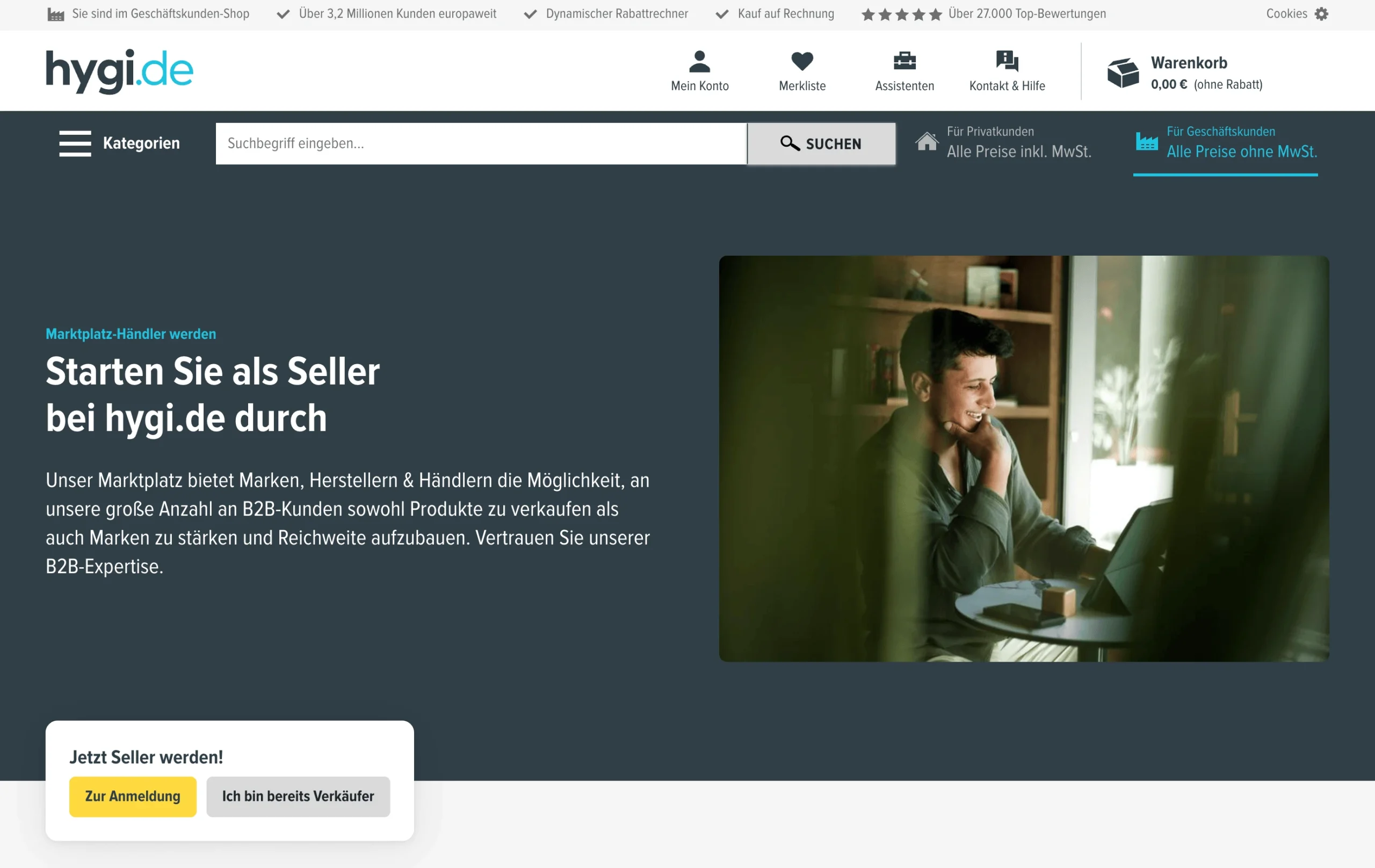
To start selling on Hygi.de, apply directly through the marketplace first. You can submit your request via the seller onboarding page or contact their partner management team at partnermanagement@hygi.de.
Hygi.de may ask for:
- company and contact details,
- business registration details,
- VAT information,
- the categories you want to sell in,
- logistics & fulfillment information.
The Hygi.de team reviews each application. The timeline can vary depending on your product categories and whether extra checks are needed.
After approval, you receive access to the Mirakl back-end. This access is required before you can connect Hygi.de to M2E Mirakl Connect and start syncing products, offers, and orders.
ℹ️ Hygi.de controls category access. Some product groups may need extra approval before you can list them.
Inside M2E Mirakl Connect #
To sell on Hygi.de via M2E Cloud, first connect your Hygi.de Mirakl account. The connection uses your Mirakl API credentials and allows M2E to exchange data with the marketplace.
After connection, M2E can sync:
- products and offers,
- prices and stock,
- orders and order statuses,
- shipments and tracking numbers.
How to connect Hygi.de #
You can connect Hygi.de to your Adobe Commerce (Magento) store using M2E Mirakl Connect. The process is quick and follows the standard setup for all Mirakl marketplaces.
Steps:
- Start by installing the M2E Mirakl Connect extension and granting permissions.
- Log in to your M2E account or create one if needed.
- Add your Hygi.de marketplace account using your Mirakl API URL and API key.
- Map your Magento products to active Hygi.de listings.
- Enable stock sync to keep inventory accurate across both platforms.
- Set up order import rules so Hygi.de orders flow into Magento and automatically reduce stock.

Once setup is complete, your catalog, inventory, and orders will sync automatically between Magento and Hygi.de.
✅ For the full setup process, check the M2E guide on connecting Mirakl marketplaces.
Day-to-day management #
Once Hygi.de is connected, you can manage regular marketplace tasks from M2E Cloud.
You can export products, update offers, sync prices and quantities, import orders, send shipment details, and review marketplace messages. Your Magento store remains the primary source of product and inventory data, while M2E keeps Hygi.de up to date.
Product sync setup #
There are two main ways to manage Hygi.de products in M2E.
List new products on Hygi.de
Use your store product data to create new Hygi.de listings.
You select the products you want to send to the marketplace. M2E exports the product data, offer details, prices, and stock information. After the listings are created, M2E can keep their price and quantity updated.
Link existing Hygi.de listings
If your products are already listed on Hygi.de, connect them to matching products in your store.
M2E can link listings automatically when SKUs match. You can also link listings manually with a CSV file.
This step is important. Without linking, M2E doesn’t know which store product should control each Hygi.de listing. Once linked, stock and price updates can sync correctly.
Product management & sync policies #
With M2E Mirakl Connect, policies control how your Magento products work on Hygi.de. They define key settings like pricing, inventory updates, and order processing.
A policy acts as a template. You apply it to multiple products, so you don’t need to manage each item manually. This saves time and keeps your catalog consistent.
In daily operations:
- Policies sync stock, prices, and product status from Magento to Hygi.de
- Updating one policy changes all assigned products
- You can use separate policies for different categories, brands, or selling goals
- Policies can be managed from the Configuration section or directly from listings
Category management #
Proper category setup helps your products stay visible on Hygi.de. If a product is placed in the wrong category, buyers may not find it.
M2E Mirakl Connect makes category management simple. You can assign, change, and review categories for your listings from one place.
Order management #
M2E Mirakl Connect manages your full order flow on Hygi.de. Once your account is connected, new orders are imported directly into Magento and can be handled like regular store orders.
You can turn on automatic order creation in your account settings. M2E will create Magento orders for every new Hygi.de sale. If needed, you can also create orders manually.
On the Hygi.de marketplace side #
Hygi.de is built on Mirakl. As a result, some product and offer fields are controlled by the marketplace. These fields help Hygi.de maintain consistent product data, pricing, shipping, tax, and compliance information.
Hygi.de supports marketplace features such as catalog browsing, category navigation, cart and checkout, multiple payment and shipping options, reviews, watchlists, promotions, and large-order discounts.
Key product attributes #
Required product attributes:
- EAN – unique product identifier
- Product title – structured title for marketplace search and browsing in the following format [brand] [product type] [key feature] [quantity/size]
- Main image – marketplace-ready product image, minimum 500×500 px, max 10 MB, JPEG or PNG
- Merchant SKU – your internal product identifier
Category-specific attributes may include:
- pack quantity,
- dimensions,
- weight,
- material or composition,
- compliance-related details, especially for hygiene or medical products.
Each category can have its own required fields. Use the correct units and formats to avoid validation errors.
Offer and pricing rules #
Hygi.de pricing must be sent in EUR.
Mirakl pricing rules also apply to discounts.
Key rules:
- The discount price must be lower than the base price.
- Start and end dates must be valid.
- Quantity-based discounts must start at a quantity greater than 1.
Pricing versions work differently:
- Pricing v1: use discount price, start date, and end date.
- Pricing v2: use strike price as the regular price and price as the discounted price.
Incorrect pricing can block product export or prevent discount offers from being displayed.
Inventory, shipping, and tax #
M2E can sync stock from your store to Hygi.de for linked products. This keeps marketplace availability up to date and helps reduce overselling.
You may also need to map Mirakl-specific offer attributes.
Common attributes:
- Lead time to shipment – time needed to prepare the order before dispatch
- Offer state – product condition
- Product tax code – tax category used for marketplace processing
- Minimum quantity alert – low stock alert value
These fields support accurate delivery information and tax handling, and provide visibility on Hygi.de.
ℹ️ When Mirakl-backed attributes are mapped correctly, Hygi.de can process your product data faster and show accurate listings to buyers.
FAQ #
Why didn’t my products appear on Hygi.de? #
Products usually fail to appear because they did not pass validation.
Common causes include:
- missing or invalid EAN / GTIN,
- missing required attributes,
- wrong category,
- prices not in EUR,
- invalid image settings.
Open the Listings page in M2E and check product errors first.
Are Hygi.de orders automatically synced? #
Yes, if order import is enabled in M2E. Orders can be imported from Hygi.de and forwarded to your store according to your order settings.
✅ For any questions, please reach out to our support team.


