
Using Stop Rules, you can define conditions under which M2E TTS should stop products on TikTok Shop.
ℹ️ If all of the conditions are set to Disabled, M2E TTS won't stop your listings. Otherwise, at least one condition should be met to stop TikTok Shop items automatically.
General #
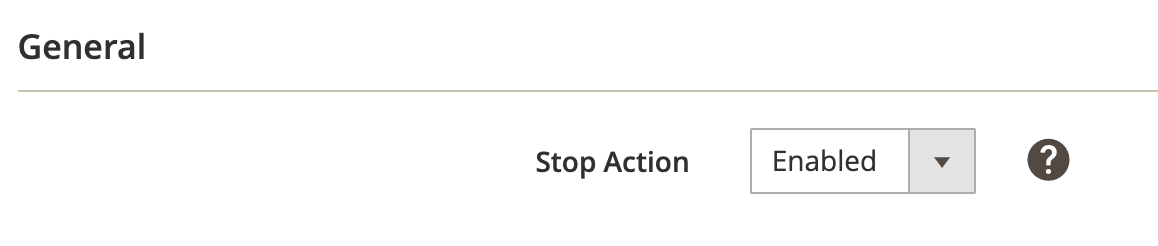
Stop Action #
Choose Enabled if you want to automatically stop items that use this Policy based on the Stop Conditions.
Choose Disabled if you don’t want Stop Rules to take effect.
Stop Conditions #
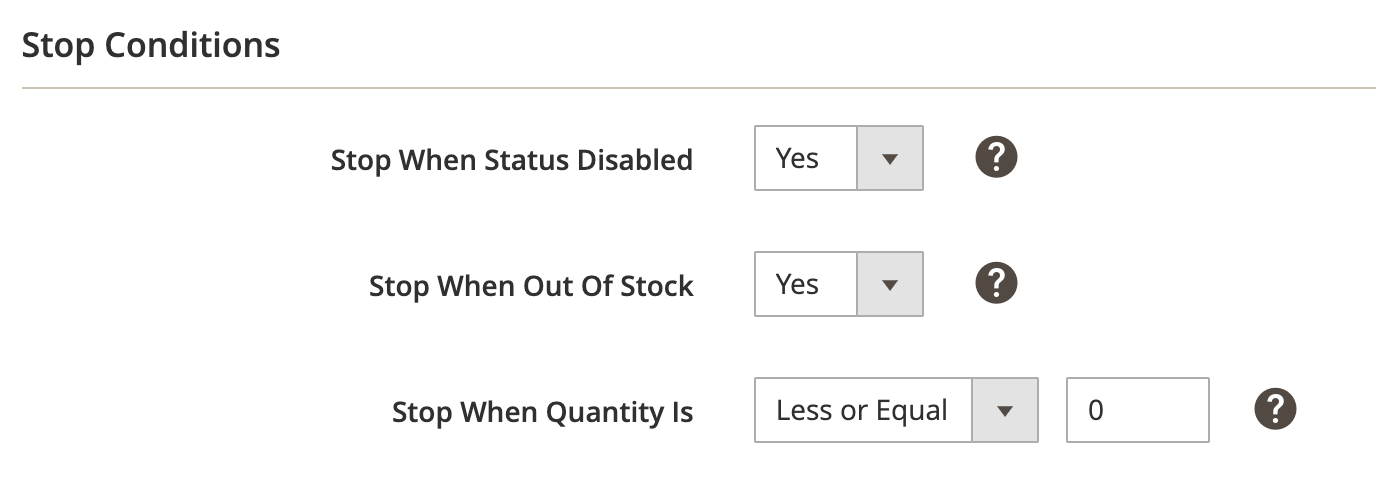
Stop When Status Disabled #
Choose Yes to automatically stop a TikTok Shop item if the item’s Magento status is changed to Disabled.
Stop When Out Of Stock #
Choose Yes to automatically stop a TikTok Shop item if the Magento Product stock availability has changed to Out of Stock.
Stop When Quantity Is #
Automatically stops an item on TikTok Shop if quantity is changed and it meets the selected condition.
- Less or Equal: Stop items automatically if the quantity in Selling Policy is less or equal to the number you’ve set.
✅ Quantity corresponds to a value defined by the following options in Selling Policy:
- Custom Value;
- an attribute in Magento Attribute group;
- Quantity Percentage;
- Conditional Quantity.
Advanced Conditions #
If you would like to add your own custom Stop Rules, you can enable the Advanced Conditions.
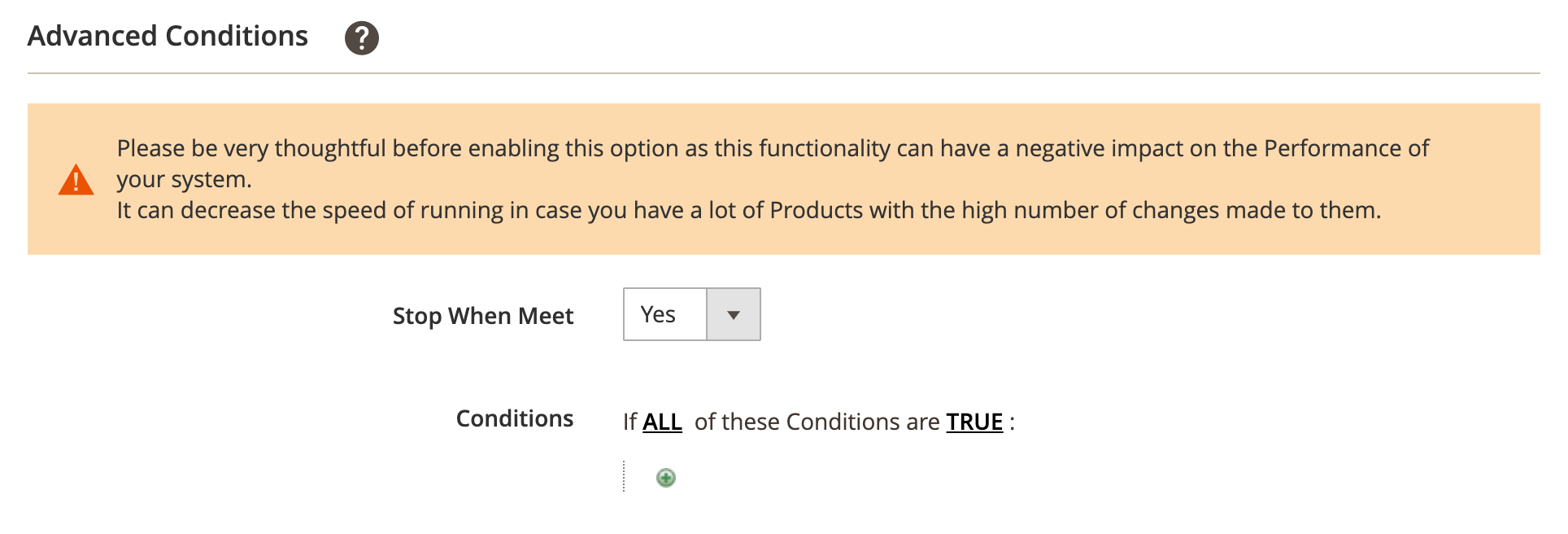
The first rule appears by default: If ALL these Conditions are TRUE. It specifies whether the rules that you define must all be met or if any of them can be met (AND or OR) in order to trigger the rule's action.
- Click on the “+” icon to display a selection field and select the necessary option under Product Attributes from the drop-down menu.

- Click on the “is” link to choose a condition from the drop-down menu.

- Click on the three dots to display the value field and input the value.

That's it, the Stop Rules are configured. Your items will be automatically stopped on TikTok Shop once at least one condition (from both Stop and Advanced sections) is met.


