
✅ You can save the settings as a Policy to apply the same configurations to the different M2E OnBuy Listings or override the Listing settings for individual Items.
General #
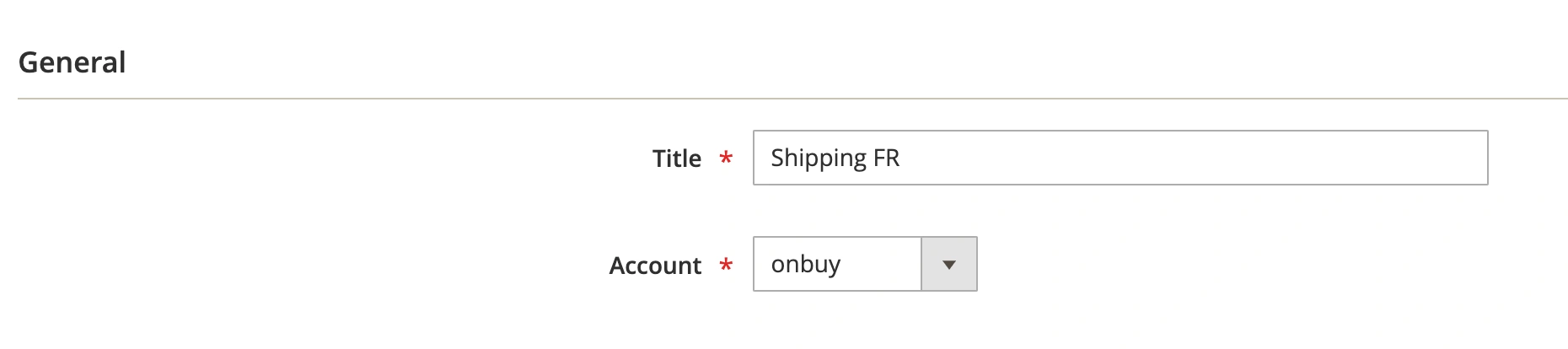
First, provide a meaningful title for your Shipping Policy to easily identify it in M2E Connect. Then, select the relevant OnBuy seller account to associate with this Policy.
Channel #
Choose the OnBuy site for which you want to create a Shipping Policy.
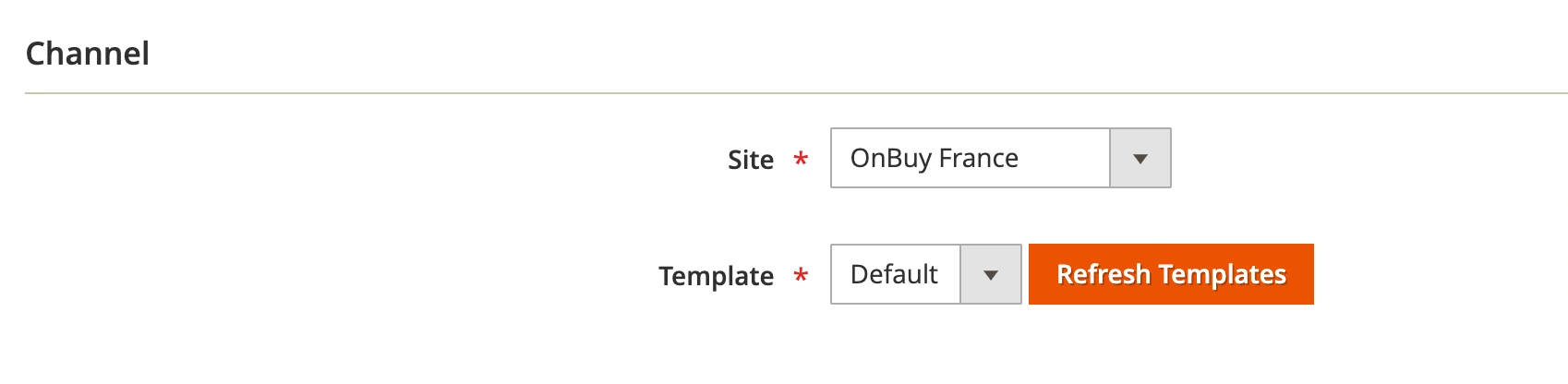
Then, select the OnBuy Shipping Template you want to apply to your items. If no template names appear in the drop-down menu, click Refresh Templates to update the list.
ℹ️ Ensure that you have already configured the corresponding shipping template on OnBuy.
Once all settings are configured, click Save And Continue Edit.
Handling Time #
Handling Time is the number of business days within which the item will be prepared for shipment (from 1 to 10 days).
This field is optional. If the field is not filled in, the default value Not Set will be used.
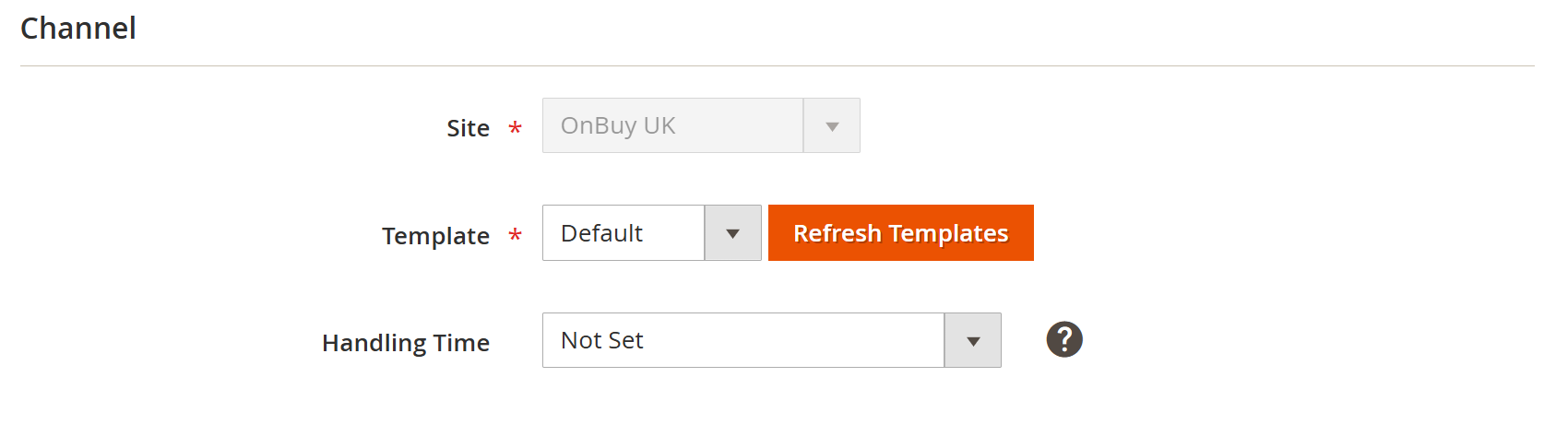
You can either select a predefined value, for example, 7 Business Days, or specify a Magento attribute containing the number of days.
✅ Please note that if Yes is set in Synchronization Policy > Revise Rules > Shipping, M2E will verify the presence and accuracy of the Handling Time value when updating data on OnBuy.


