
The Buyer's Feedback can be imported automatically if the import option is enabled in eBay Integration > Configurations > Accounts > Feedback tab.
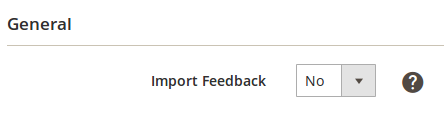
Once you enable it, the Feedbacks will be imported automatically during the next synchronization and you will be able to find their list by clicking on the Feedback link in the Accounts grid.
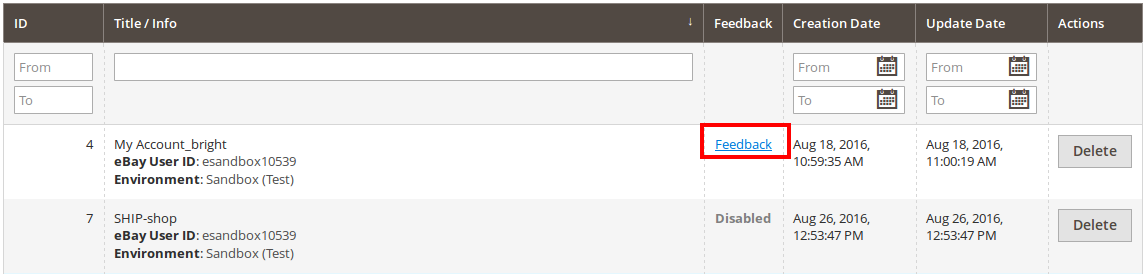
The list of the Feedback contains the main information about the Transaction ID along with the eBay item ID it is related to.

You can always send a response to your Buyer manually by clicking the Send Response button.
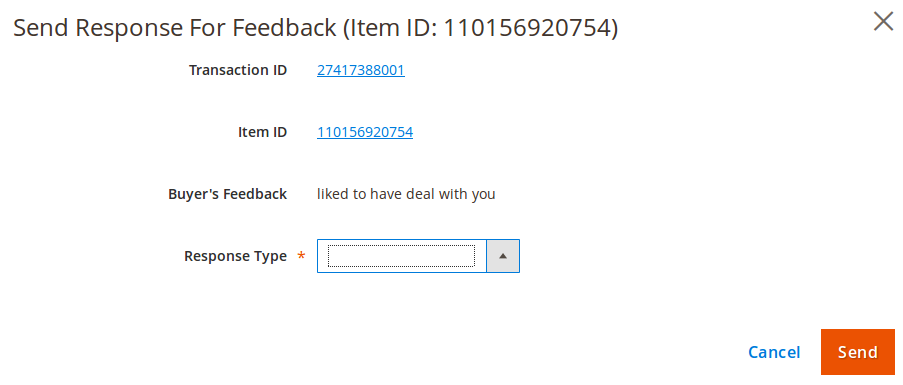
To send the response, you should select its Type. There are several options to select from:
- Custom - allows providing the value manually;
- Predefined Template - allows selected any of the previously created Templates.


