
M2E Connect allows you to export your TikTok Shop product data into a CSV file. This is a simple way to check your listings, store product details for later use, or use the file as a reference for Magento product export.
How to export products #
You can export TikTok Shop product data managed in M2E Connect in two ways:
1. Export all items
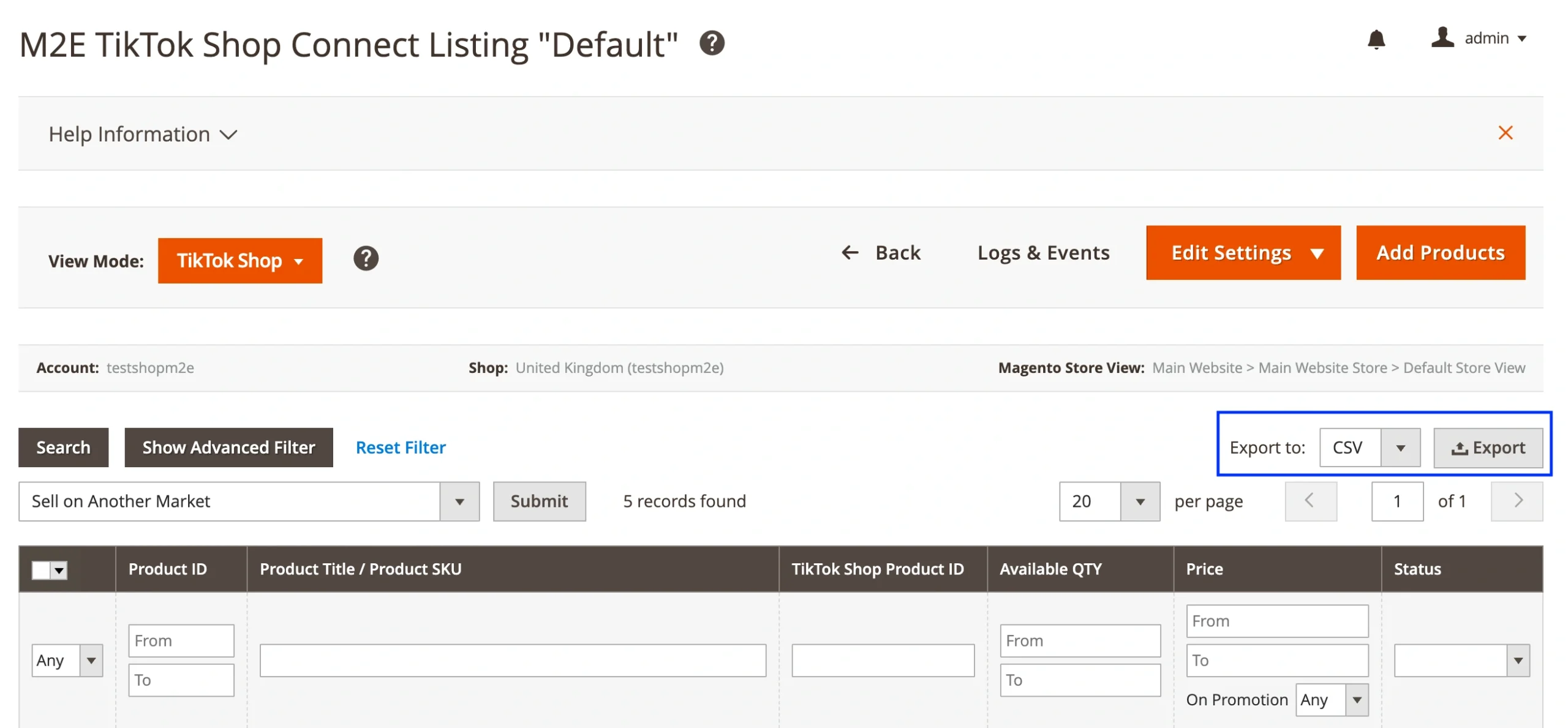
Go to Listings > Items > All Items in M2E TikTok Shop Connect. Click the Export button on the right side of the grid. You’ll get a file with all TikTok Shop products in one download.

2. Export from a specific Listing
If you only want to export products from a particular M2E TikTok Shop Listing, open it under Listings > Items > Items by Listing. Then, click the Export button on the right side of the grid.
What’s included in the CSV file #
The exported CSV file includes key product information, such as Magento Product ID, Product Title, SKU, TikTok Shop Product ID, QTY, Price, and Product Status.
This format is easy to understand and similar to what’s used in Magento product export files. You can open the file in Excel or Google Sheets and use it to cross-check or share with your team.


