
✅ You can save the settings as a Policy to apply the same configurations to the different M2E TikTok Shop (TTS) Listings or override the Listing settings for individual Items.
Images #

- Main Image – select the source for the image that your potential buyers will see on TikTok Shop.
- Gallery Images – choose whether you want to add small thumbnails that appear under the Main Image. You can add up to 8 additional images to each Listing on TikTok Shop.
⚠️ When uploading images of your products on TikTok Shop, ensure that the images do not contain links to external websites.
TikTok Shop views such content as unsafe and may disable your listing on the platform.
ℹ️ It is possible to set Text, Multiple Select, or Dropdown type of Magento Attribute as the source for Images.
The value of the Attribute must contain absolute URLs. In the Text type Attribute, URLs must be separated with a comma, e.g., http://mymagentostore.com/images/baseimage1.jpg, http://mymagentostore.com/images/baseimage2.jpg
- Resize Image – enable this option to let M2E Connect automatically resize product images to meet TikTok Shop media requirements before synchronizing them to the Channel.
✅ Learn about TikTok Shop image requirements and how to optimize your Magento images for TikTok Shop in this article.
Description #
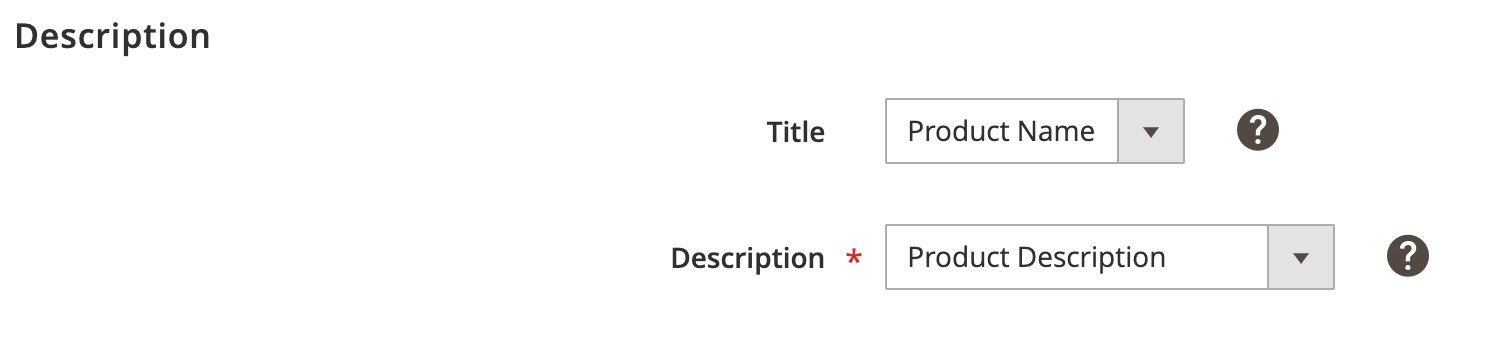
Title – select the source for the product title. You can use either a Magento Product Name or a Custom Value with the insertion of the Magento Attributes.
Description – select the source for the product description. You can use Magento Product Description or Product Short Description. Or, if you would like to customize the description, use a Custom Value with the insertion of the Magento Attributes or Image tags.
⚠️ Learn how to use size charts when selling clothes on TikTok Shop in this article.


