
We’ve been busy this April, and we’re excited to introduce new features and marketplace expansions to support your business growth. Here’s what’s now available in M2E Pro and M2E Connect.
Access M2E integrations under one menu #
Managing your multichannel operations is now easier than ever. If you're using the M2E Multichannel Connect app, you can access all active integrations from a single section in your Magento admin panel.
This unified approach saves time and provides better organization for your daily workflows.

To activate the feature, go to the M2E Multichannel Connect app and enable the Unify Integrations toggle.

✅ You can install M2E Multichannel Connect app from Adobe Commerce marketplace and enjoy simplified management of your integrations.
What’s new in M2E Pro? #
Updated Walmart Product Types for Restored items #
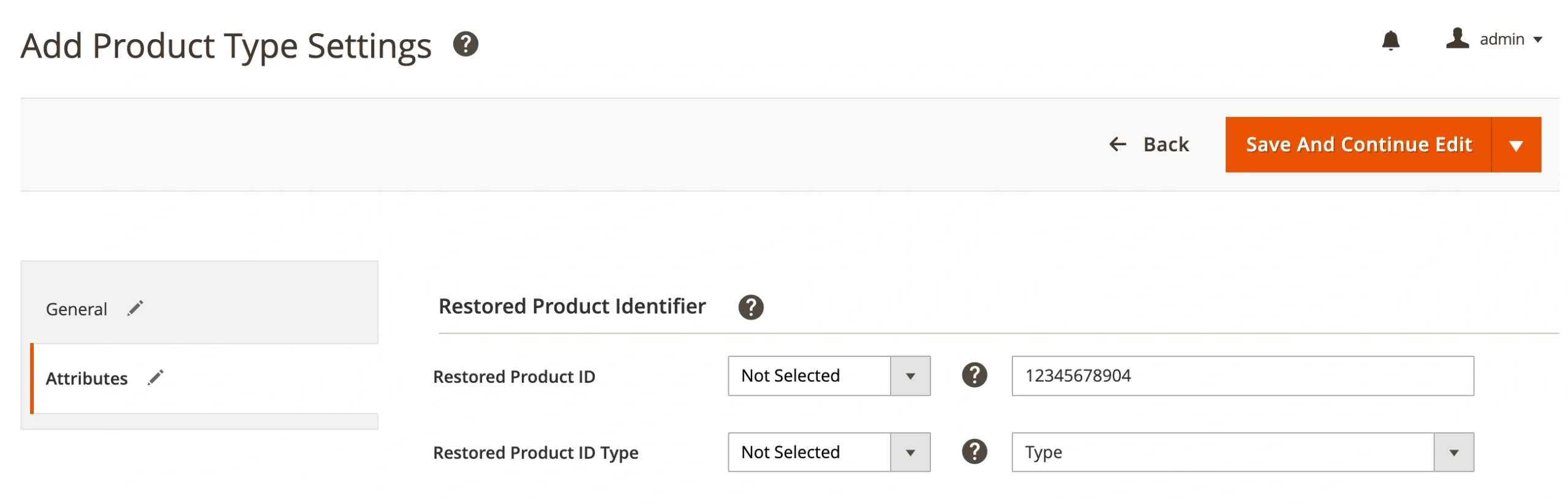
We’ve updated the Product Type data for Walmart listings following their recent platform changes. Now, you can fill in new mandatory fields for Restored products on Walmart in M2E Pro.
To stay compliant and maintain your listing visibility, we recommend reviewing and updating your Walmart products where necessary. You can access your Product Type settings under Walmart > Configuration > Product Types.
What’s new in M2E Connect? #
Sell on Kaufland Italy & France markets #
M2E Connect now supports Kaufland's newest storefronts – Italy and France! These fast-growing marketplaces provide an exciting opportunity to expand your business into new European regions.
Be among the early sellers to establish your presence and gain a competitive advantage.
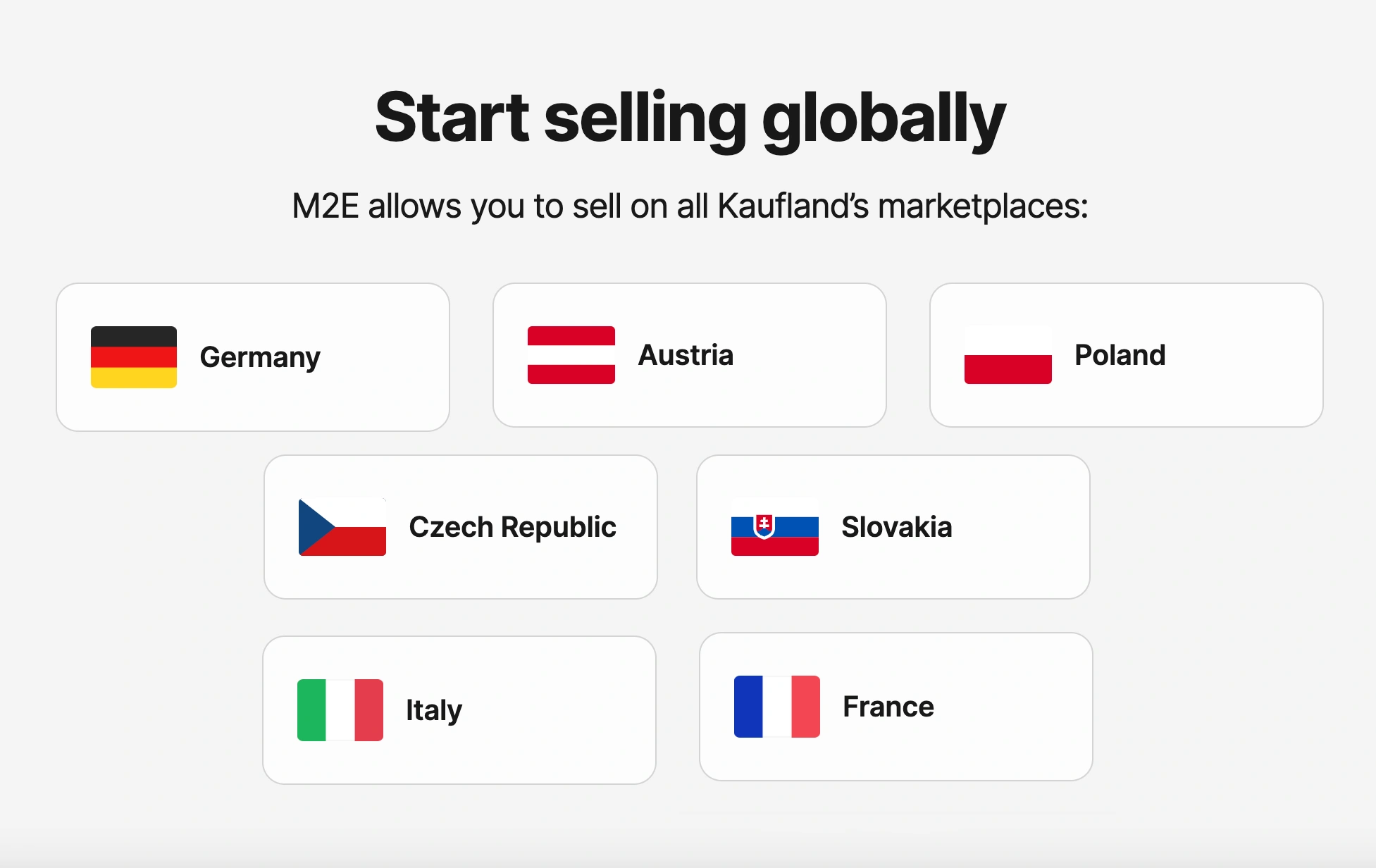
✅ To access the new markets, make sure to upgrade your M2E Kaufland Connect to the latest version.
Create new products in the OnBuy catalog #
You can now create entirely new product listings on OnBuy directly from your Magento items using M2E Connect.
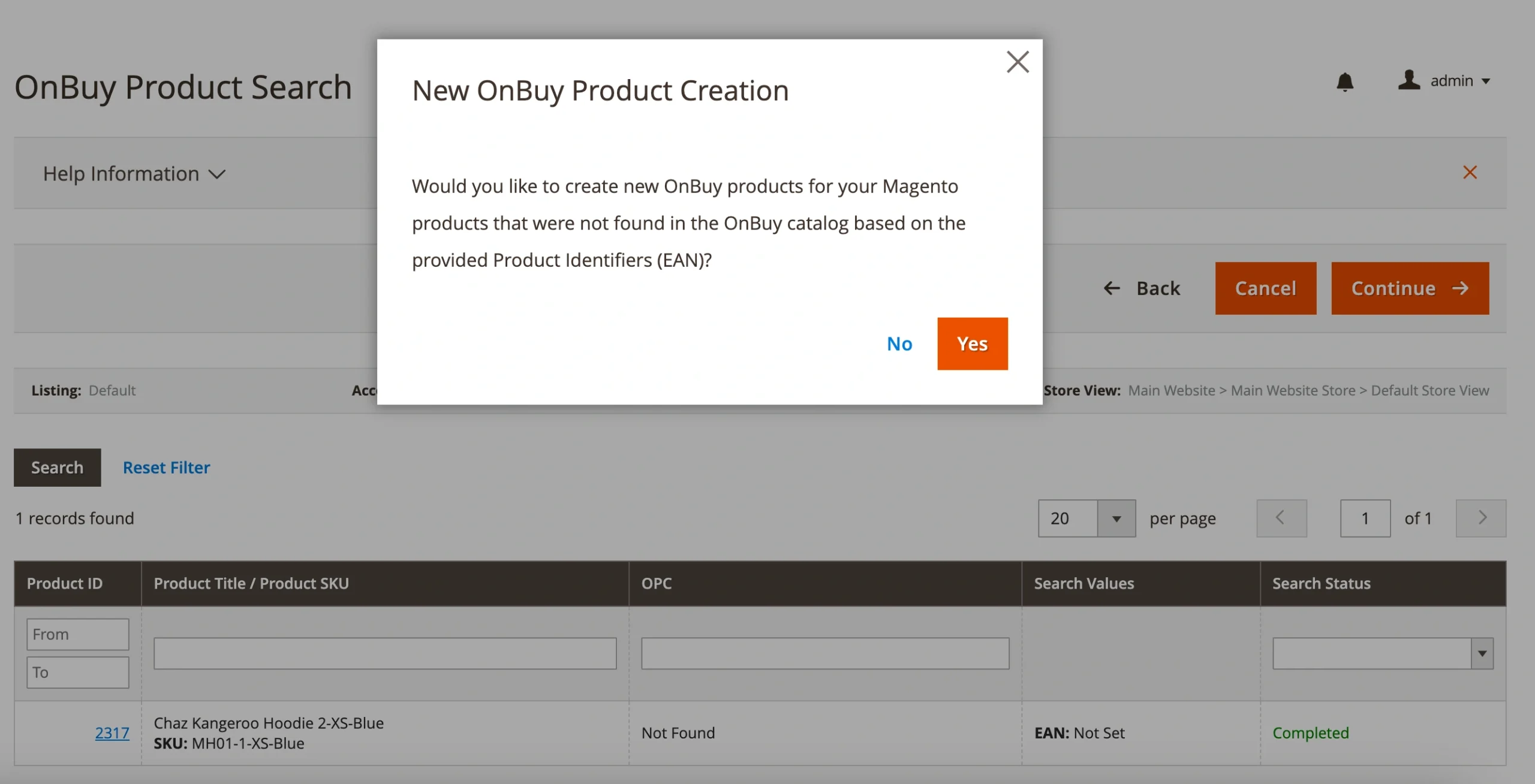
If your products aren't currently listed in the OnBuy catalog, this feature is your opportunity to expand your product offerings and reach new buyers on the marketplace.
✅ For detailed instructions, check out our OnBuy listing creation guide.
That's everything for April! As always, we're committed to helping you sell more, expand faster, and simplify your operations.
If you have any questions or feedback, please don’t hesitate to reach out to our support team or leave a comment below.


