
In this tutorial, you will learn how to add Magento Products to M2E Pro Listing manually.
Step 1: Select products #
When you create a new M2E Pro Listing, you must add at least one product to this Listing. You are able to select the products either from the entire Magento catalog or a certain Magento category. To proceed, choose your option:
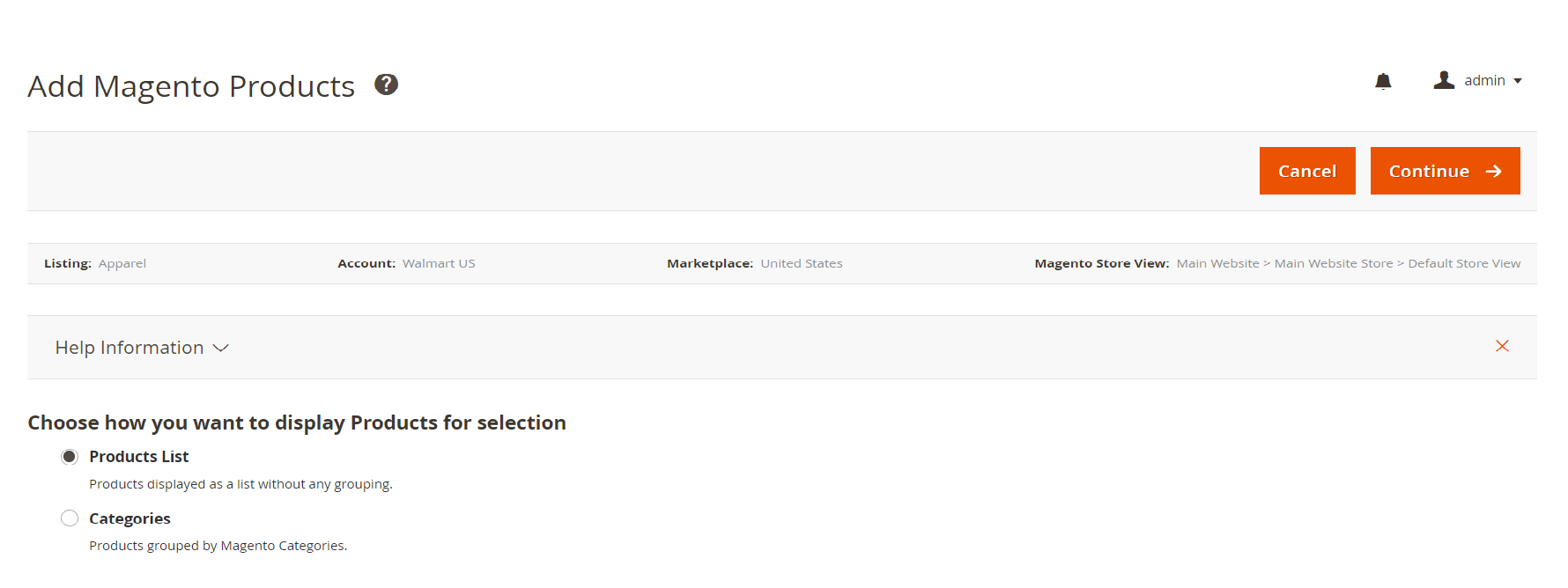
✅ At any time, you can add more products to the same Listing by clicking Add Products.
- Adding products from Product List
You can filter out certain products using filter options at the top of the grid.
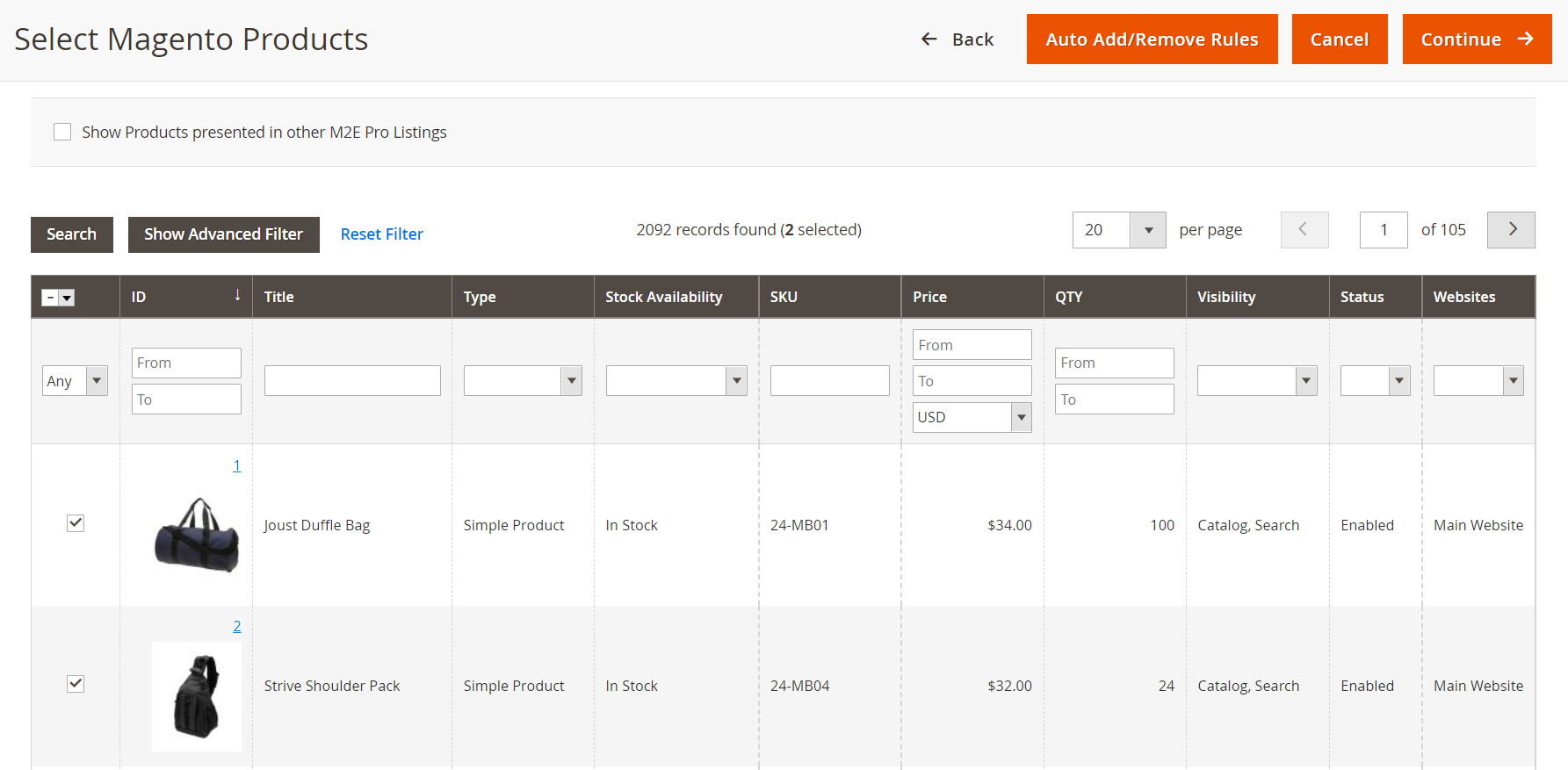
Using Advanced Filter you can engage more product parameters when selecting products:

- Adding product from Categories
This option will be convenient if you want to add products from a particular Magento Category. By clicking on a Magento Category, you will see all product assigned to this category.

After you select the products, click Continue. In the next step, you will need to assign a Walmart Product Type to the selected items.
⚠️ Ensure that all selected products have at least one valid Product Identifier. Otherwise, Walmart will not permit to place your offer on their website.
The Product ID value will be taken from Magento Attribute that you have selected under the Walmart > Configuration > Settings > Main.<
Step 2: Assign Walmart Product Type #
To submit a new offer to Walmart, it must be associated with a certain Walmart Product Type. In this step, you should assign a relevant Product Type to at least one product that you are adding to M2E Pro Listing.
You have three options to assign the Walmart Product Type:
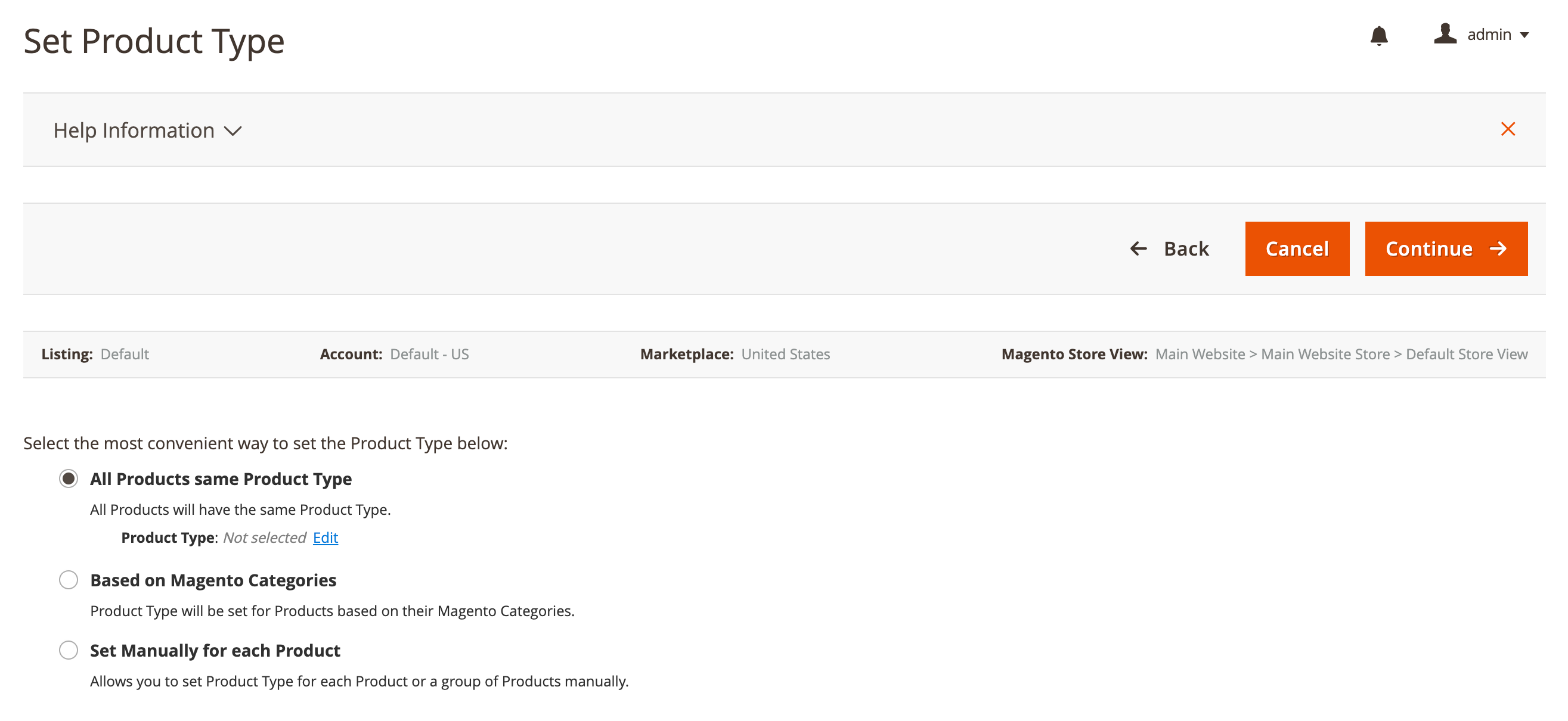
- All Products same Product Type - use this option to assign the same Product Type to all products that will be placed into this M2E Pro Listing. Click Assign to select an existing Product Type or Add a new Product Type.

- Based on Magento Categories - if you add several products associated with a single Magento Category, all these products will be assigned the same Product Type.
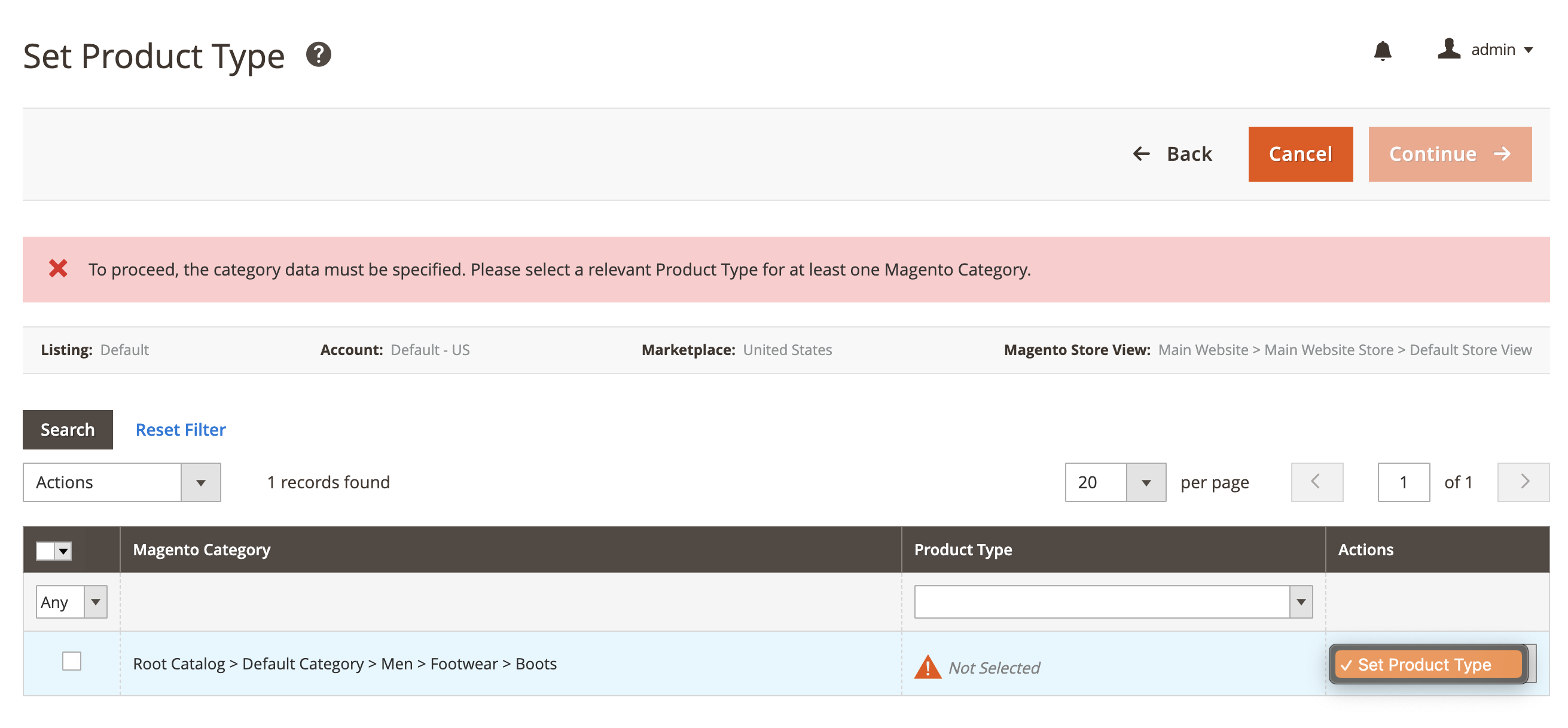
- Set Manually for each Product - use this option to assign specific Product Type to each item individually.

Once the Product Type is assigned, your Magento Products will be added to M2E Pro Listing.
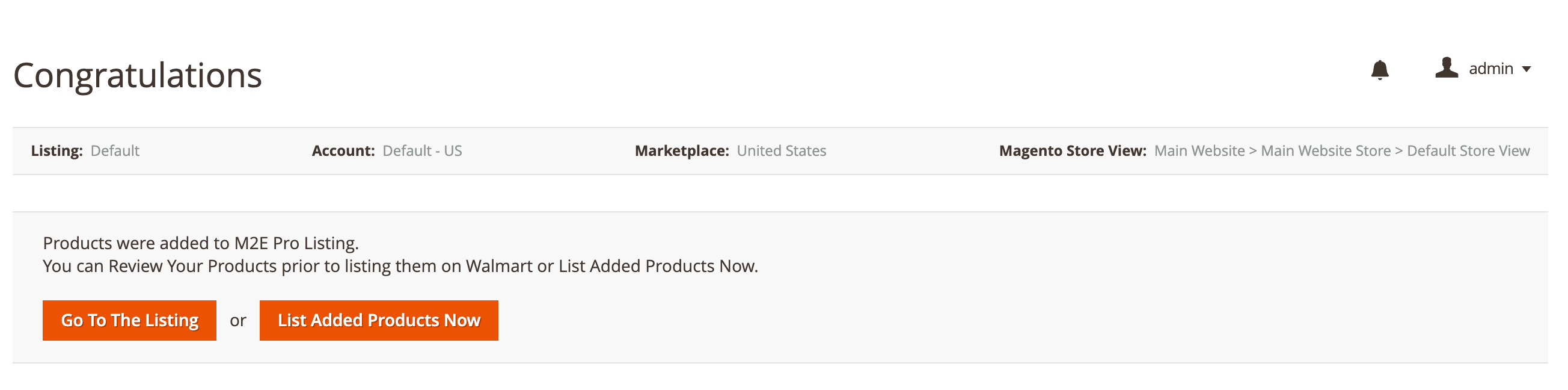
⚠️ Products will not be added to M2E Pro Listing if Product Type is not assigned. You cannot submit a new offer to the Walmart website if a Walmart Product Type is not specified.
✅ At any time, an item can be assigned a different Product Type. To do this, switch a Listing to the Settings View Mode and submit the Assign Product Type mass action.
Once you add Magento Products to the Listing, M2E Pro starts managing them automatically.
ℹ️ If you add Magento Variational Products to the Listing, please read the Setting up Product Variations article. Multi-SKU products require additional settings.


