
What is an M2E Temu Listing? #
An M2E Temu Listing is a collection of Magento products sold on a specific marketplace from a particular account under defined settings.
Simply put, an M2E Temu Listing acts as a template, allowing you to apply the same settings to multiple products. This provides flexibility and saves time.
ℹ️ You can customize your Listings by grouping items within the same category.
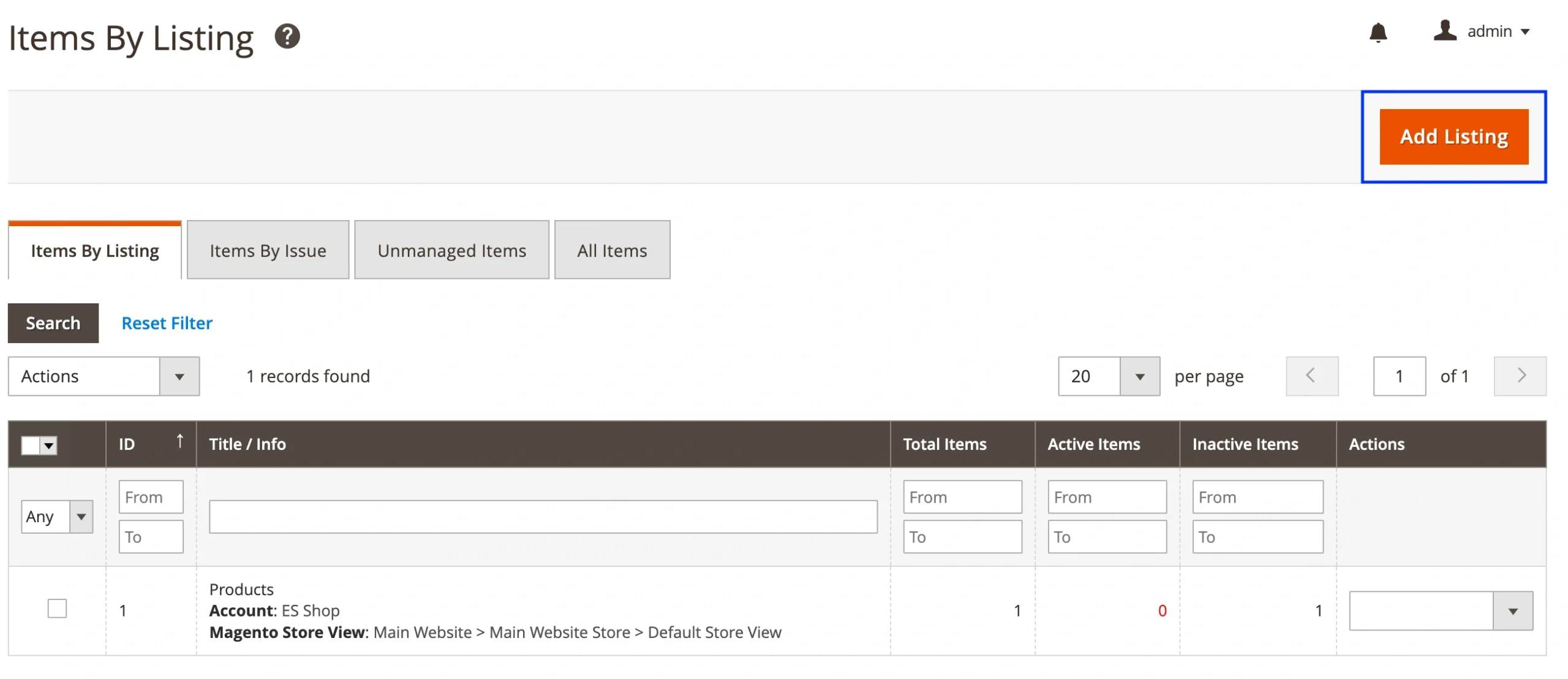
The Items by Listing page displays all your M2E Temu Listings. To create a new Listing, click the corresponding button in the top-right corner and follow the setup process.
Managing your Listing products #
On an individual M2E Temu Listing page, you can add new Magento products, edit Listing settings, and manage products listed on Temu.
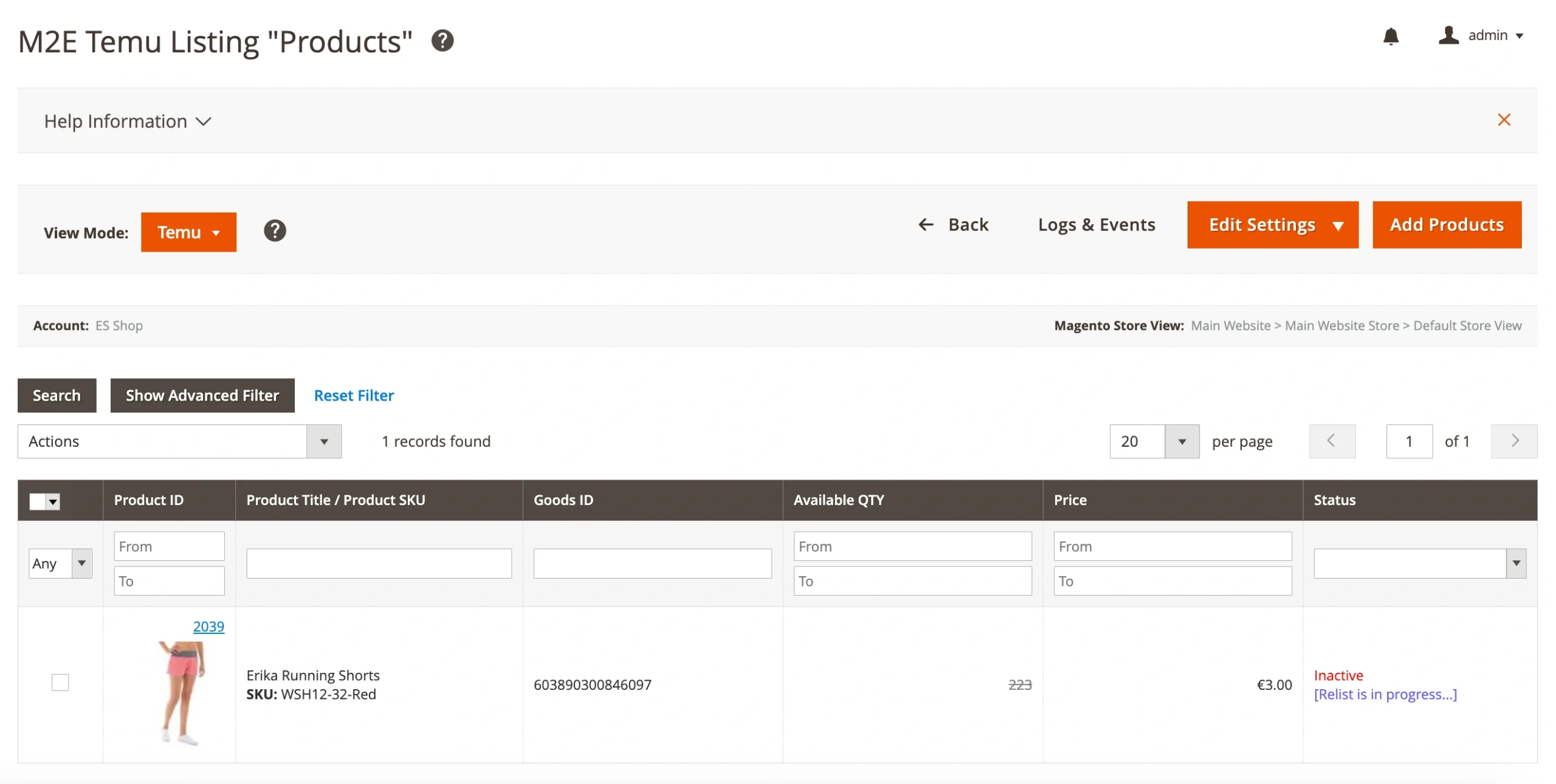
You can switch between three View Modes for a detailed overview of your Listing products:
Temu View Mode – displays product details specific to Temu and allows bulk actions:
- List Item(s) – lists selected items on Temu (available for "Not Listed" items).
- Revise Item(s) – updates listed items based on Synchronization Policy settings.
- Relist Item(s) – relists previously stopped items.
- Stop Item(s) – stops selected items on Temu while keeping them in the M2E Listing. The status changes to "Stopped."
- Stop on Temu / Remove from Listing – stops selected items on Temu and removes them from the M2E Temu Listing.
Settings View Mode – displays item settings, such as Listing Policies and Temu Categories. You can filter products based on their settings and edit existing settings in bulk.
Magento View Mode – shows Magento Catalog details. You can search for products based on Magento attributes (e.g., QTY, Stock Status).


