
A Configurable Product is displayed as a single Product with drop-down lists of options (Child Products) for each variation. Each option is a separate Simple Product.
✅ We recommend you choose the Configurable Product type if you want to list your product as a Multi-Variational one. Compared with others, this Magento product type is more suitable for managing variations on eBay.
Let’s take a look at the example of such a product and how its variations are displayed:
- In Magento Inventory settings

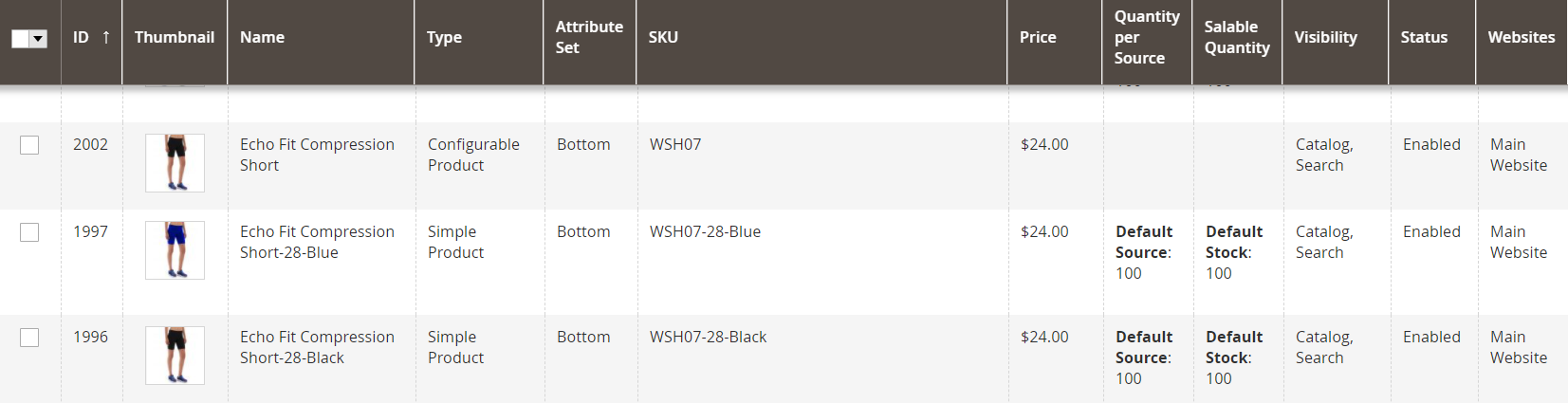
- In the list of Magento Products, where ID 2002 is a Parent Product, ID 1997 and ID 1996 are Child Products
- In the M2E Pro Listing
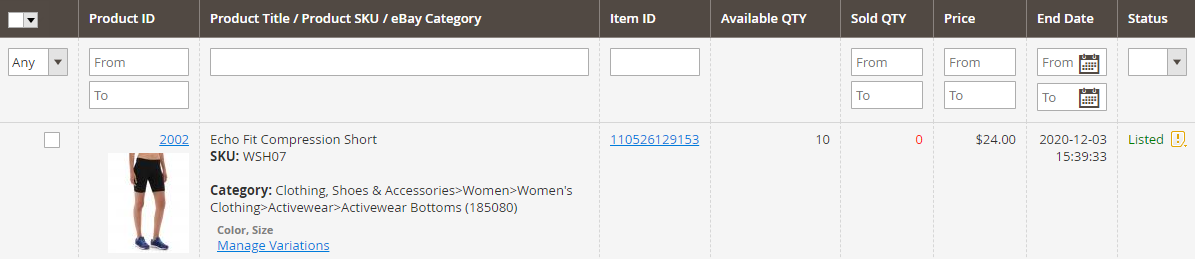
✅ M2E Pro allows you to provide eBay Catalog Identifiers for each variation of your Configurable Product. You can do it via the Manage Variations option within the Listing.
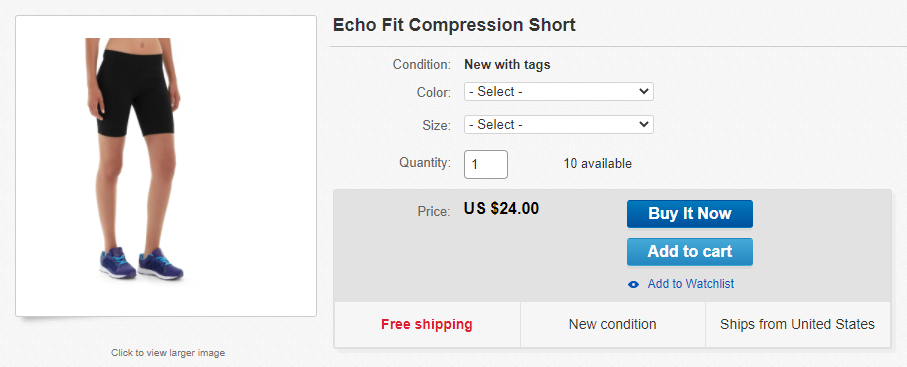
- on eBay
Find out how to calculate the price and quantity for your Configurable Product in these articles:
Configurable Product Listed as Simple #
If the Ignore Variations option is enabled in Selling Policy, a Configurable Product will be listed as a Simple one, without variations.
In this case, the sum of all Child Products’ quantities and the price of the cheapest Child Product will be submitted to eBay.


