
Under Amazon Integration > Configuration > Policies > Add Policy, you configure the Shipping Policy settings.
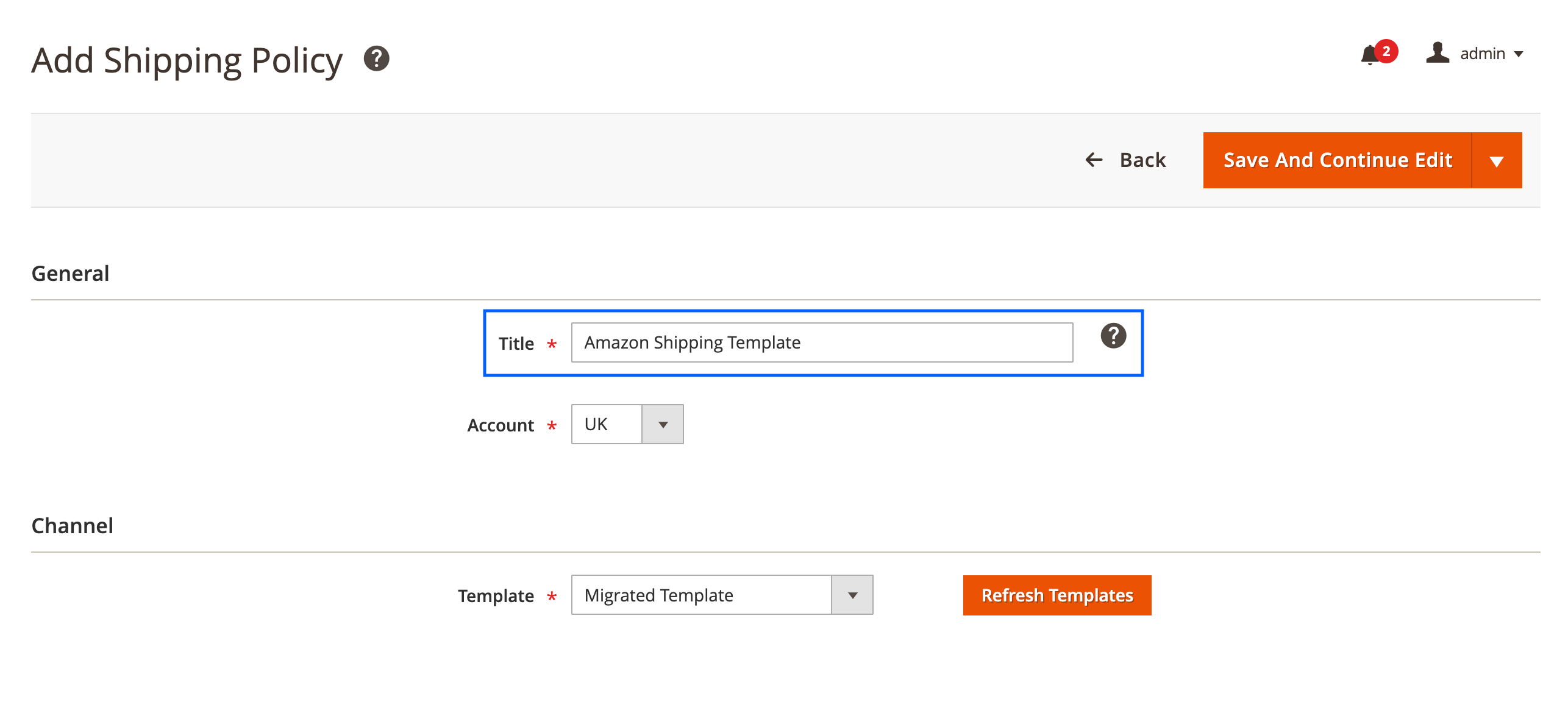
General #
Here you can specify the meaningful Title of your Policy template that you would like to use in M2E Pro.
Channel #
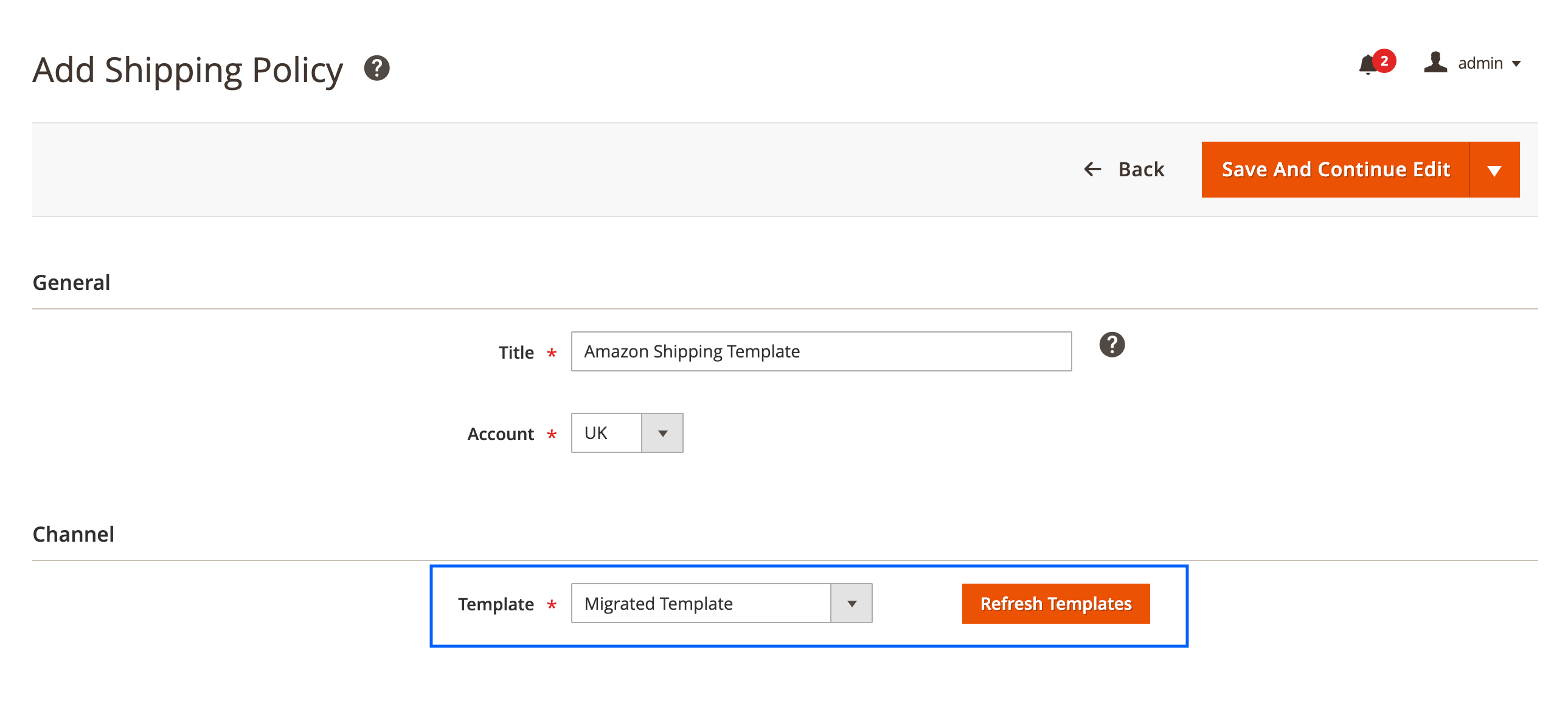
In order to create the Shipping Template Policy, you need to configure the corresponding Template in your Seller Central first.
The next step is to select the right Amazon Shipping Template Name that you want to apply to your items. If no template names are available in the drop-down, please use the Refresh Templates button.
Once you are done, click Save And Continue Edit.
Shipping Policy for your products can be configured in Selling Settings and applied to all items in the Listing. Nevertheless, if you specify the shipping settings for some products individually, they will override the Listing ones.
✅ You can assign Shipping Policy to your Amazon items in the Settings View Mode within the M2E Pro Listing.


