
This month’s updates are a mix of must-do compliance changes and new tools that give you more flexibility in managing your listings. From mandatory Country of Origin requirements to smarter promotion handling, here’s everything you need to know and how to set it up in your M2E Pro and M2E Connect.
What’s new in M2E Pro? #
Specify Country of Origin for Amazon Listings #
Amazon requires all FBA listings to include a Country of Origin (COO). If the COO is missing, your products will be blocked from cross-border fulfillment between the EU and the UK. This rule is already in effect, so it’s critical to update your listings as soon as possible.
To make compliance easier, M2E Pro lets you assign a COO in Amazon Product Type settings.

💡 See our video guide or documentation guide for step-by-step instructions.
Add Condition Notes to Amazon “New” items #
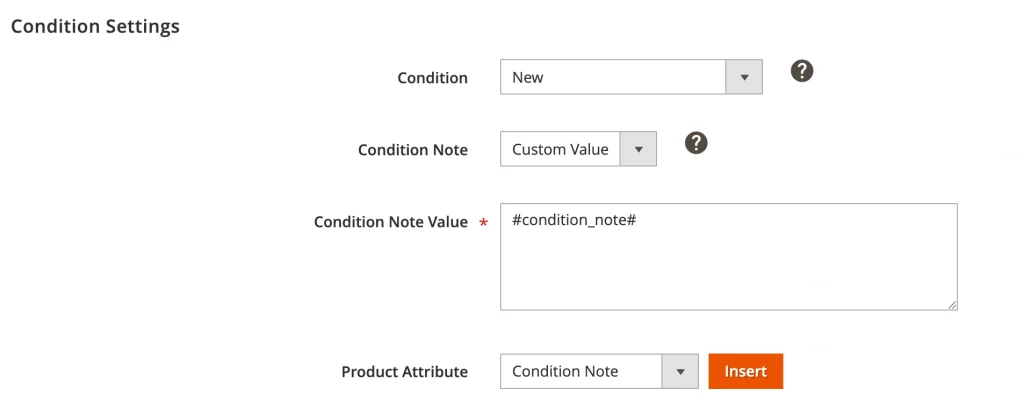
Condition Notes have been mostly used for refurbished or used products. Now, you can also add notes to Amazon items listed as New. This is especially useful if you want to clarify packaging details, highlight special editions, or reassure buyers about product quality.
You can set this up when creating new listings, or update existing ones by going to Listings > Items > Edit Settings > Selling > Condition Settings. You can enter the note manually or select a Magento attribute if you already store details there.
What’s new in M2E Connect? #
Assign Country of Origin for Temu Listings #
Temu has also tightened its rules around the COO. When listing products, you may be expected to provide the Country or Region of Origin. Now you can assign the COO through Category Attributes in M2E Connect. For detailed steps, check out our guide.
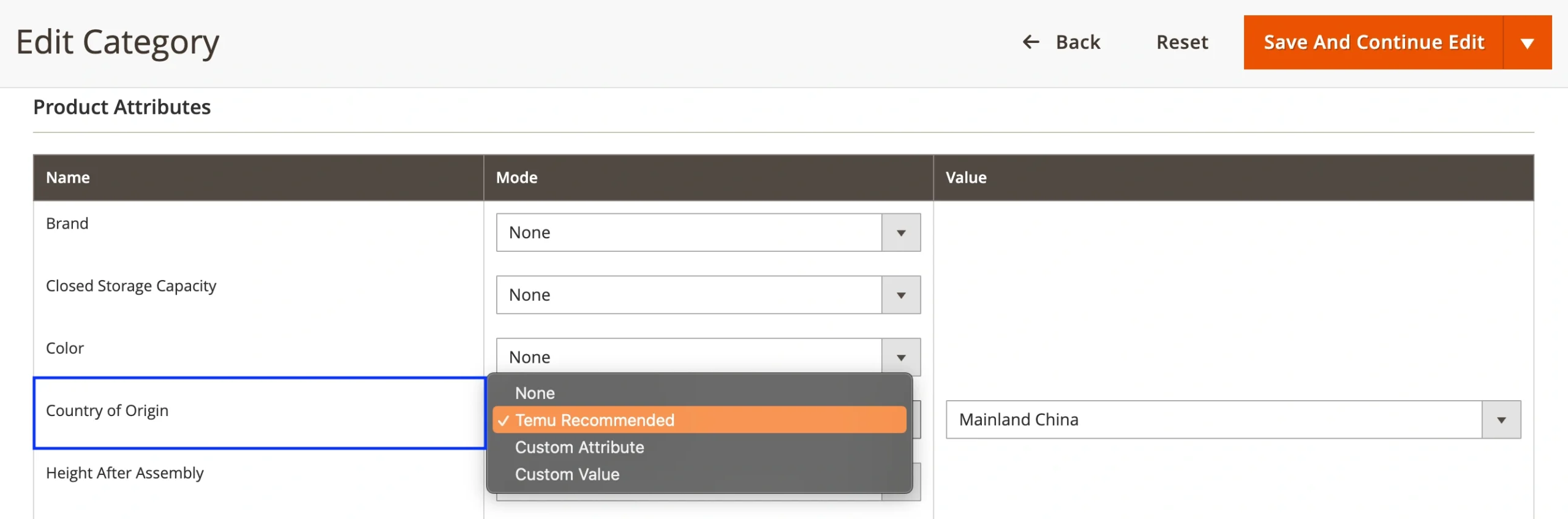
Providing COO not only avoids listing rejections but also improves transparency, which is becoming increasingly important to buyers.
Import Temu Variational Products into Unmanaged Items #
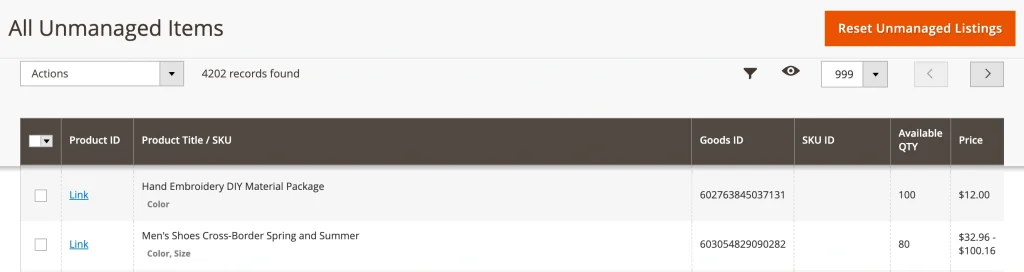
If you’ve listed some variational products on Temu outside of M2E, you can now import them into Unmanaged Items (Listings > Items > Unmanaged). From there, it’s easy to link them with your Magento catalog and move them into fully managed M2E Listings. This way, your variations created on Temu will stay synchronized.
Set sale prices and schedule discounts on OTTO #
Running promotions on OTTO is now more flexible. A new option in your Selling Policy lets you set a Sale Price and schedule it with a start and end date. That way, discounts activate and expire automatically, so you won’t need to edit listings manually.

You will need to select a Magento attribute that defines the sale price, as well as set the start and end dates if necessary. The Sale Price option is perfect for seasonal campaigns or time-sensitive offers that need to go live at the right moment.
Define handling time for OnBuy Listings #
If you sell on OnBuy, you can now specify handling time in your Shipping Policy. This defines how quickly you’ll dispatch an order once it’s placed. You can choose from preset values or map a Magento attribute for more automation.

Setting a clear handling time helps customers know what to expect at checkout and ensures your delivery performance matches your promises. It’s a small change that can make a big difference to buyer satisfaction and seller ratings.
Take a few minutes to update your M2E settings so you’re ready for the peak sales season without disruptions.
✅ Have questions or feedback? We’d love to hear from you – contact our team.


